ProfileTap
ProfileTap
Design Guide

NFC Business Card Design Ideas That Actually Scan Well

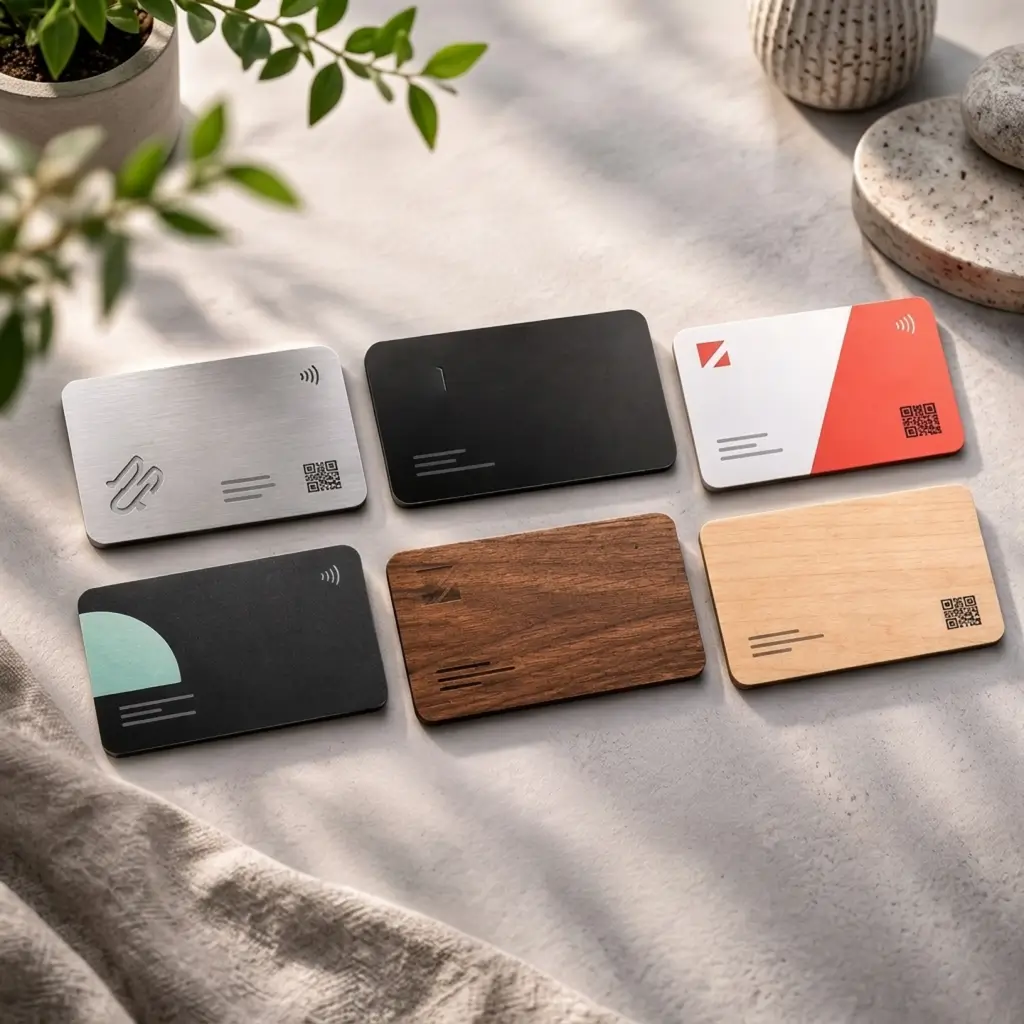
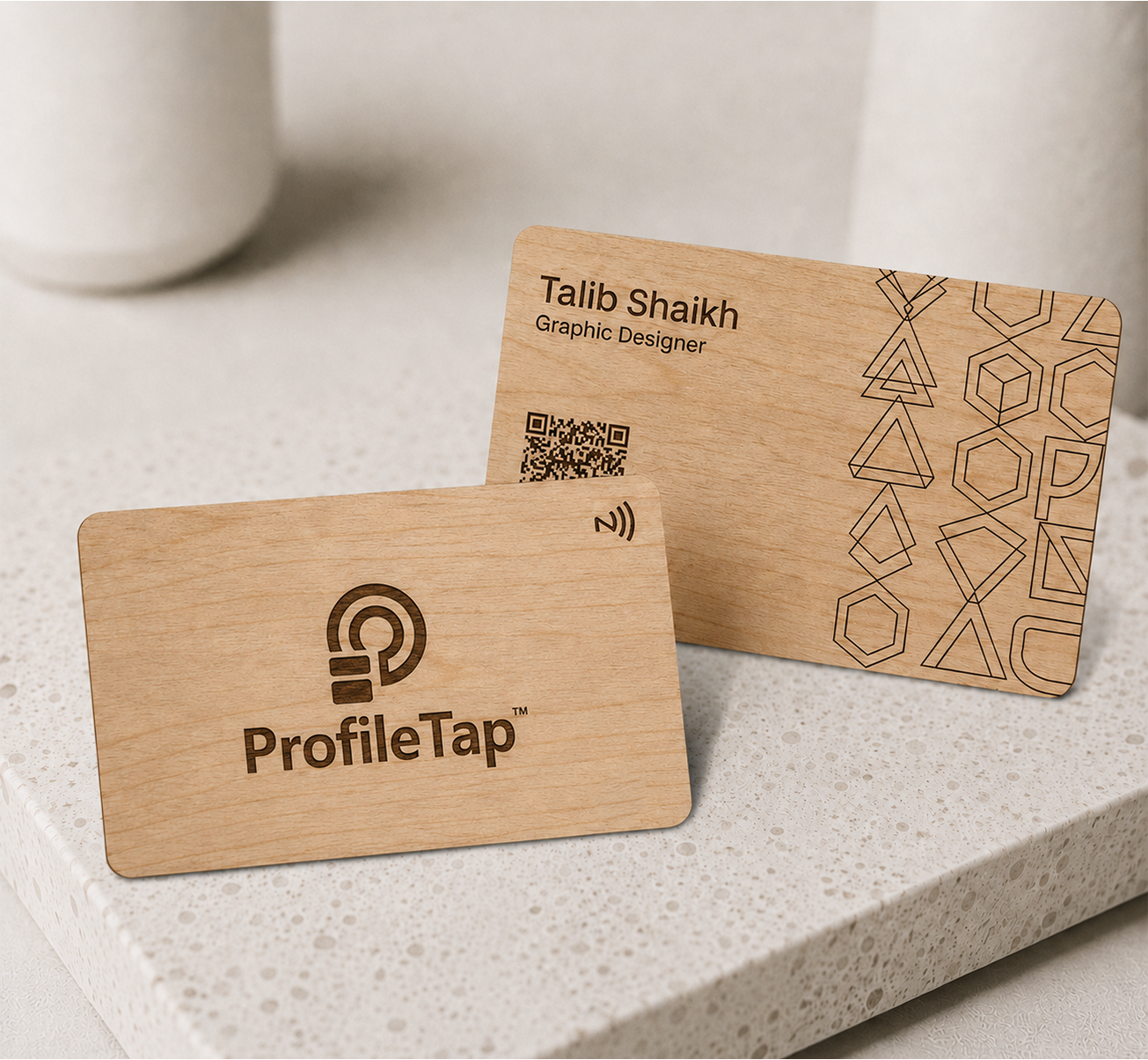
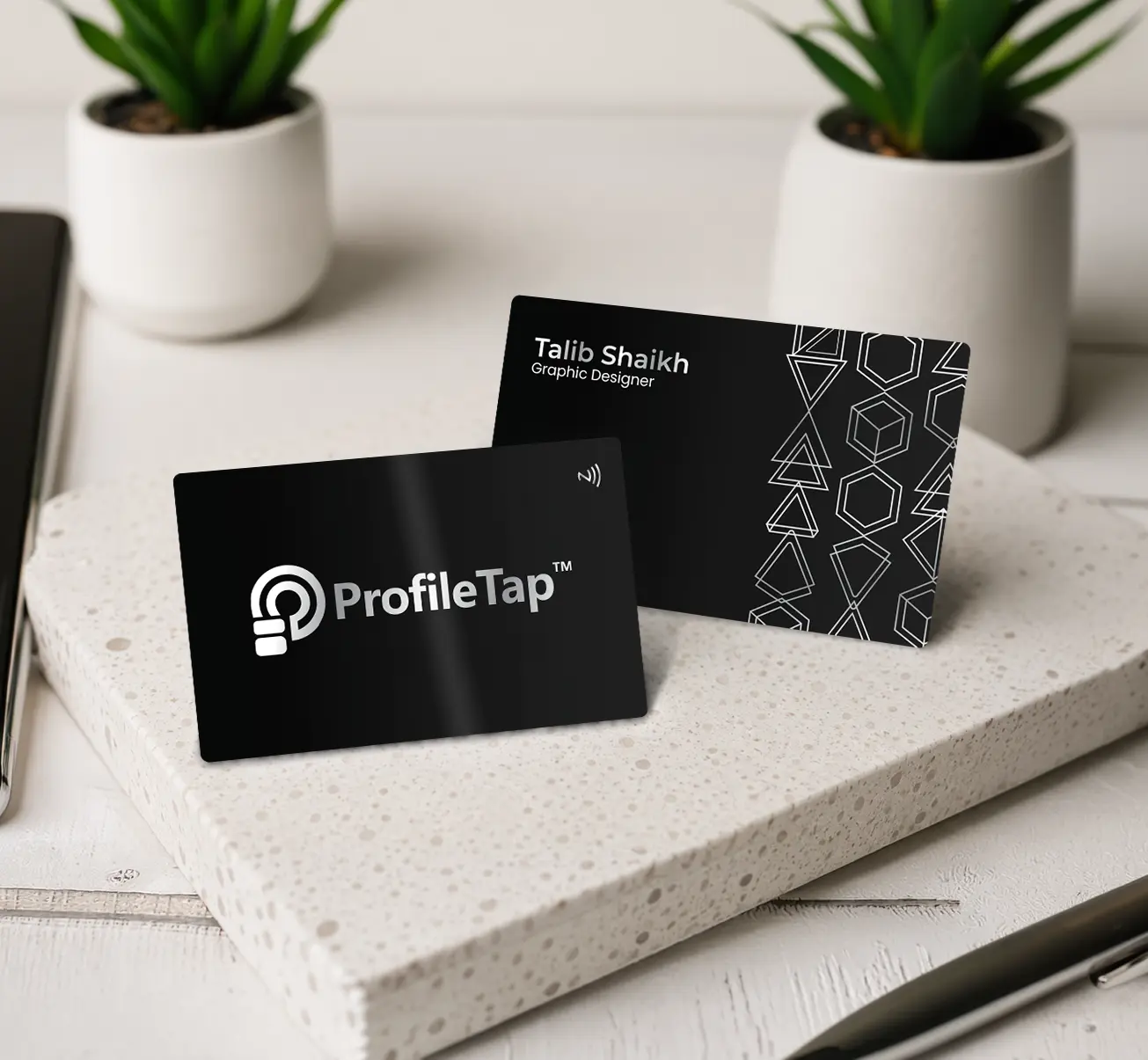
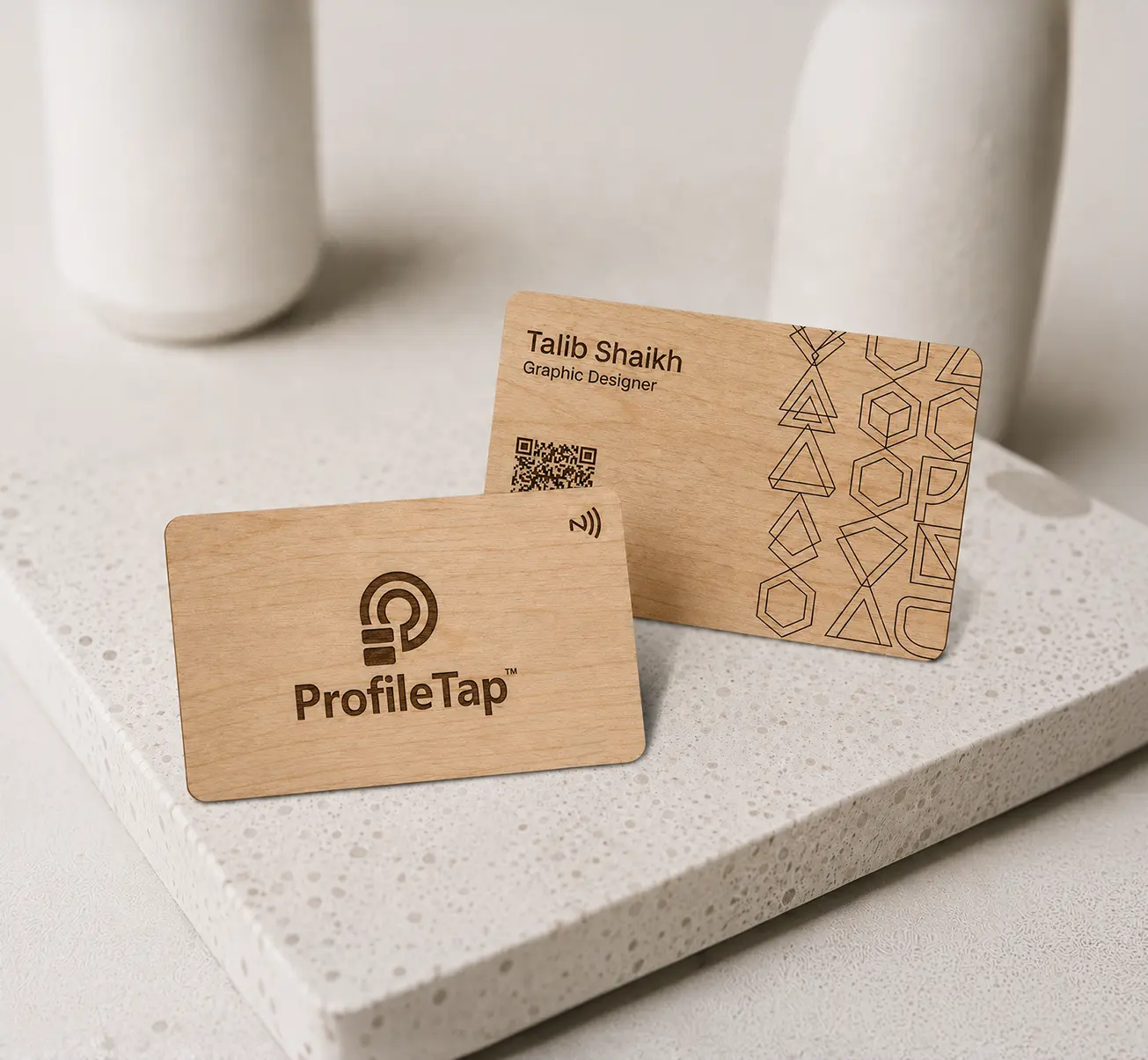
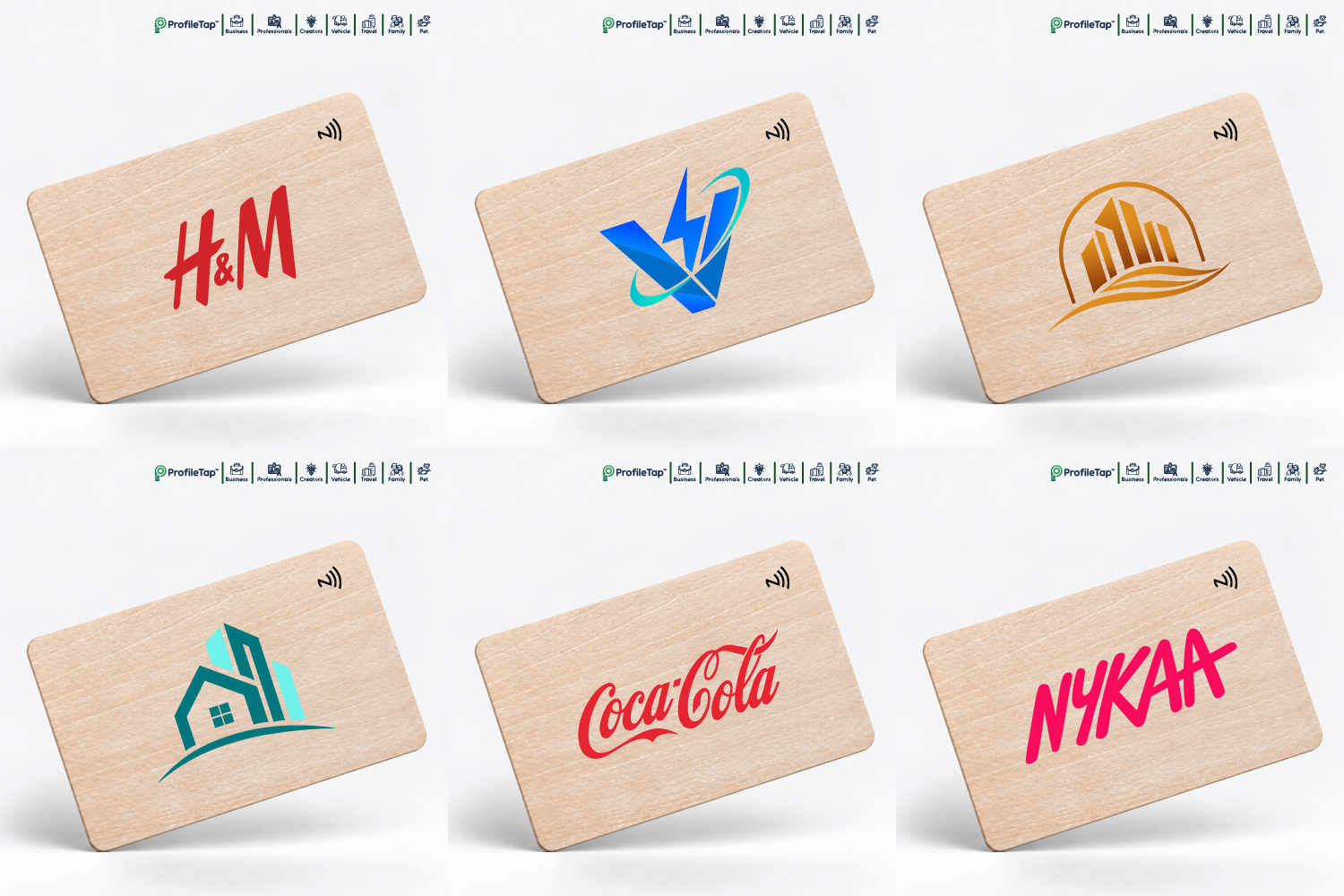
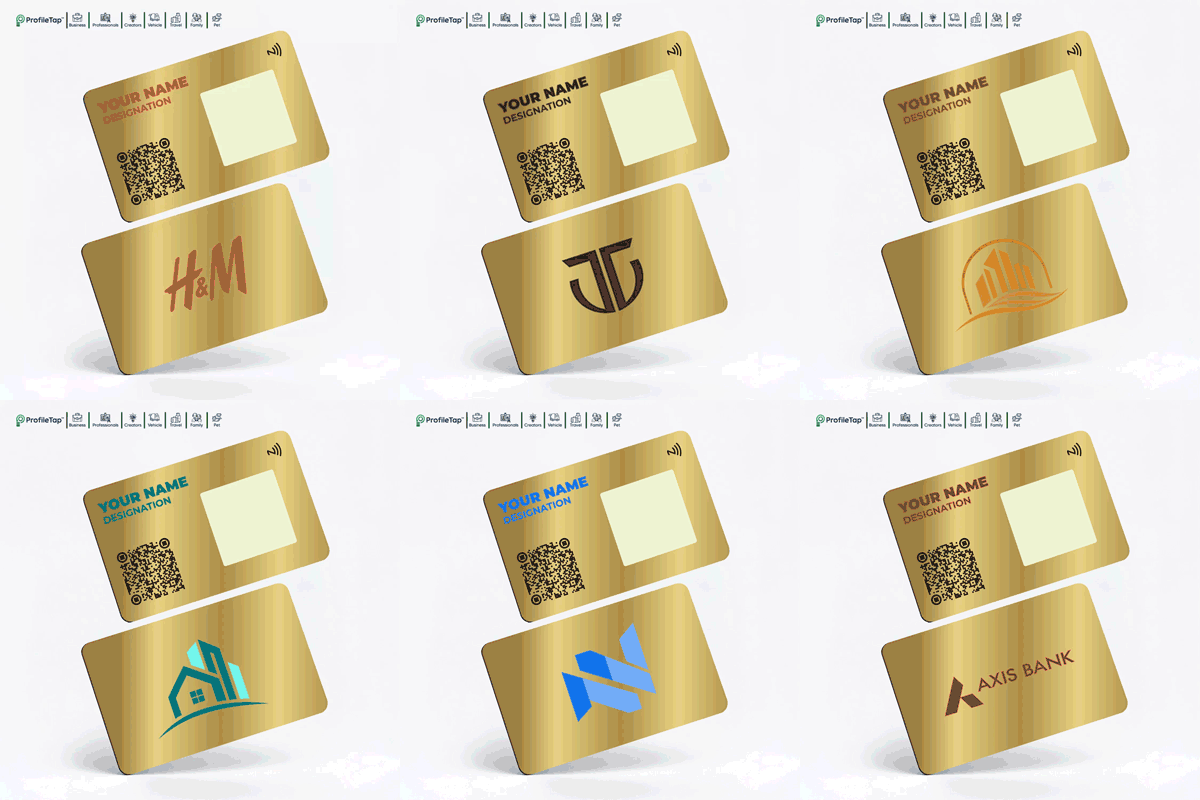
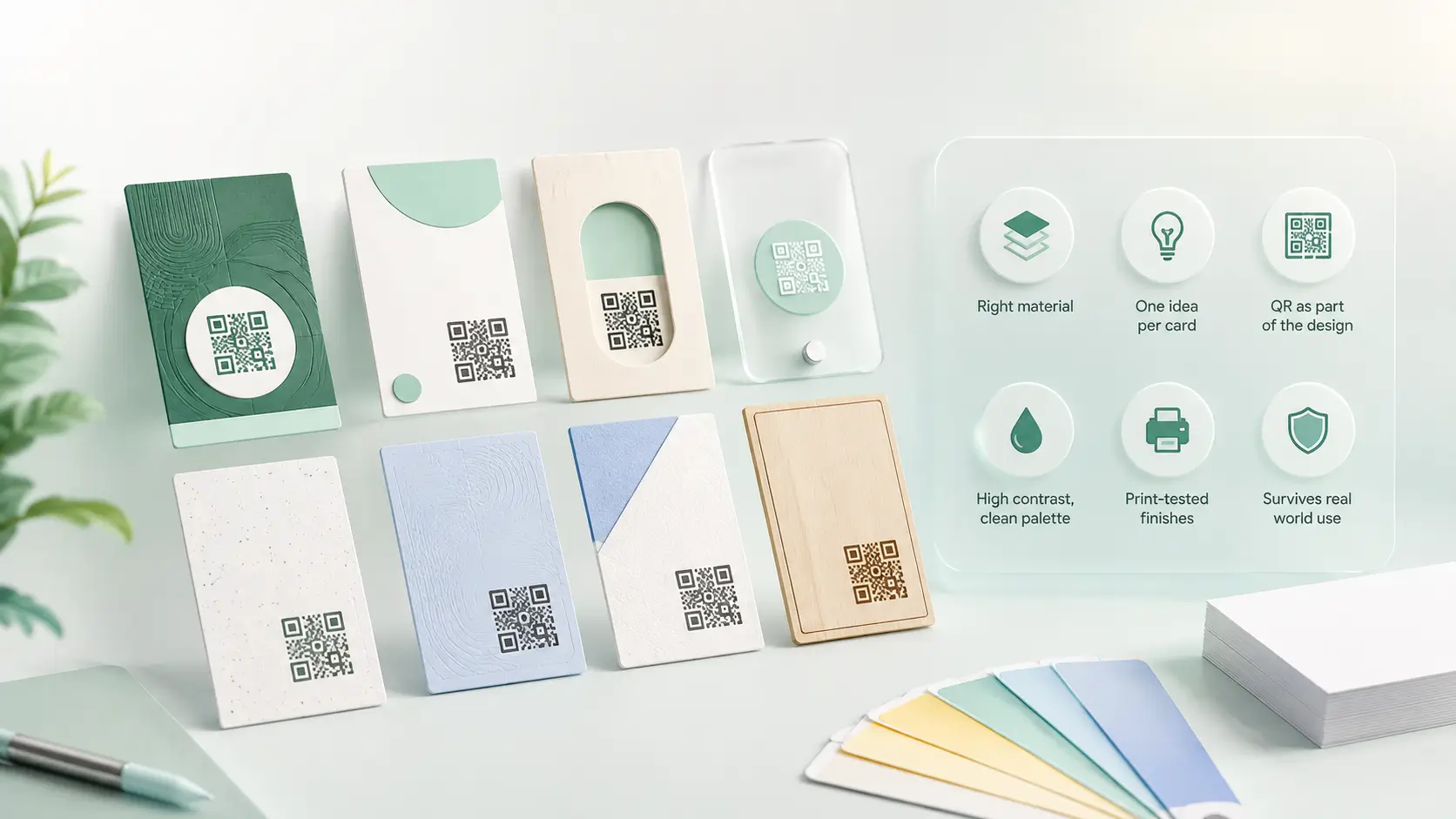
Several NFC business card designs in metal, wood and PVC laid out side by side

A smart card has to do two jobs: look worth keeping and work on the first tap. Good NFC card design settles both at once. These NFC business card design ideas cover material, layout, logo placement and QR sizing, so your card does not trade one for the other.

Material guide
QR placement
Layout rules
Print-safe tips

Designed Like Paper, or Designed for the Tap

The same details, laid out two ways. Only one of them still works after the handover.

Too much on the face

Six lines of contact copy shrink the type past reading size.

Four lines, no more

Name, role, company and one contact route; the profile holds the rest.

QR in a tight corner

No quiet zone, weak contrast, and the scan fails at arm's length.

A proper quiet zone

Clear margin on all four sides and strong contrast, so it reads first time.

Built for a printer

Hairline strokes and tiny logos vanish once engraved at card size.

Suits the material

Thick strokes for engraving, full colour for PVC, bold marks for wood grain.

Outdated on arrival

One number changes and the whole print run becomes waste.

Edits, no reprint

Details change on the profile; the card in the wallet stays correct.

Layout Rules Worth Following

Most digital visiting card design problems come from crowding. These three rules solve the majority of them, whatever material you pick.

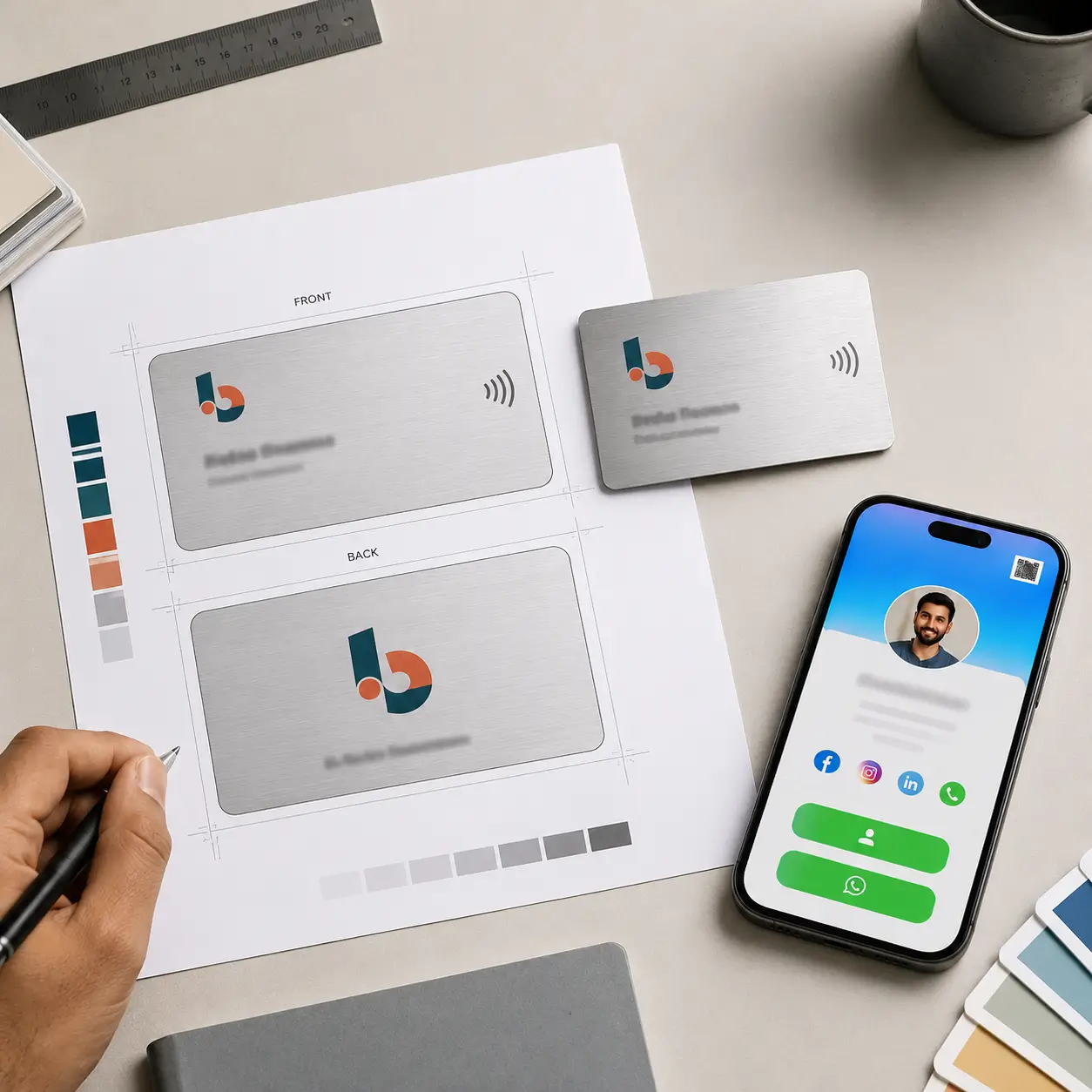
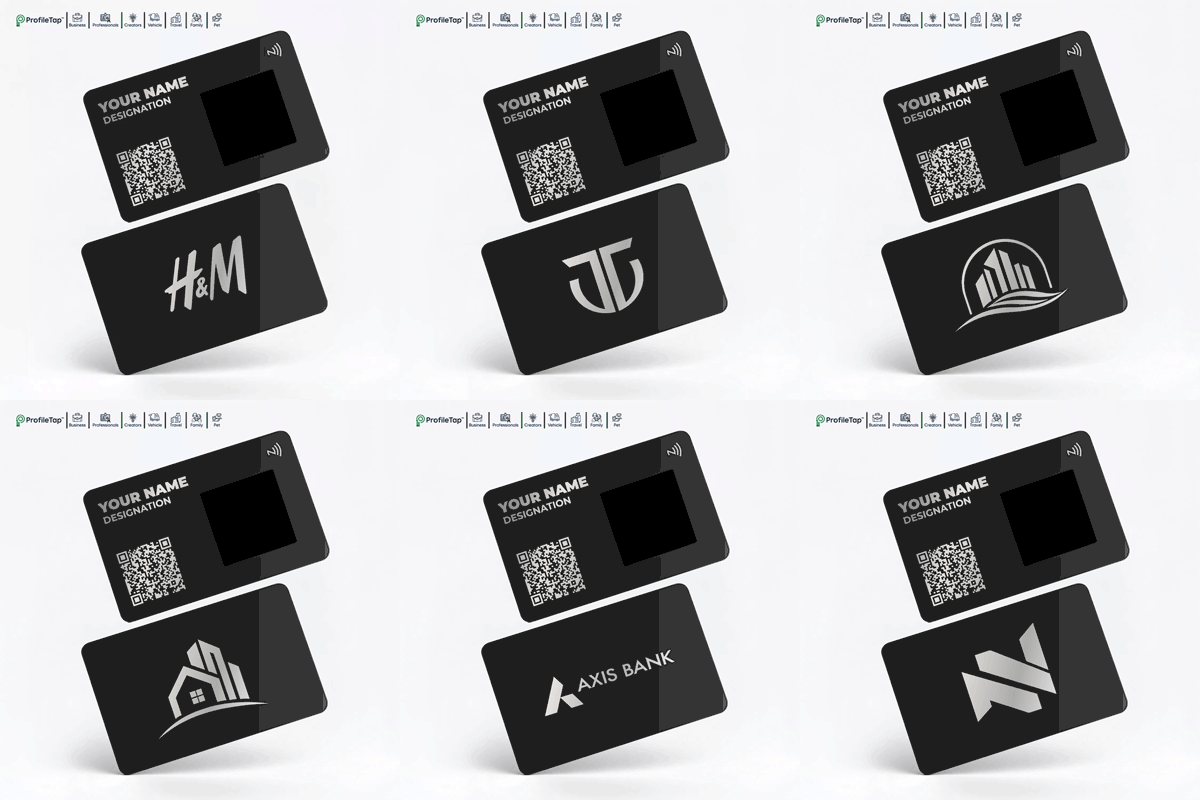
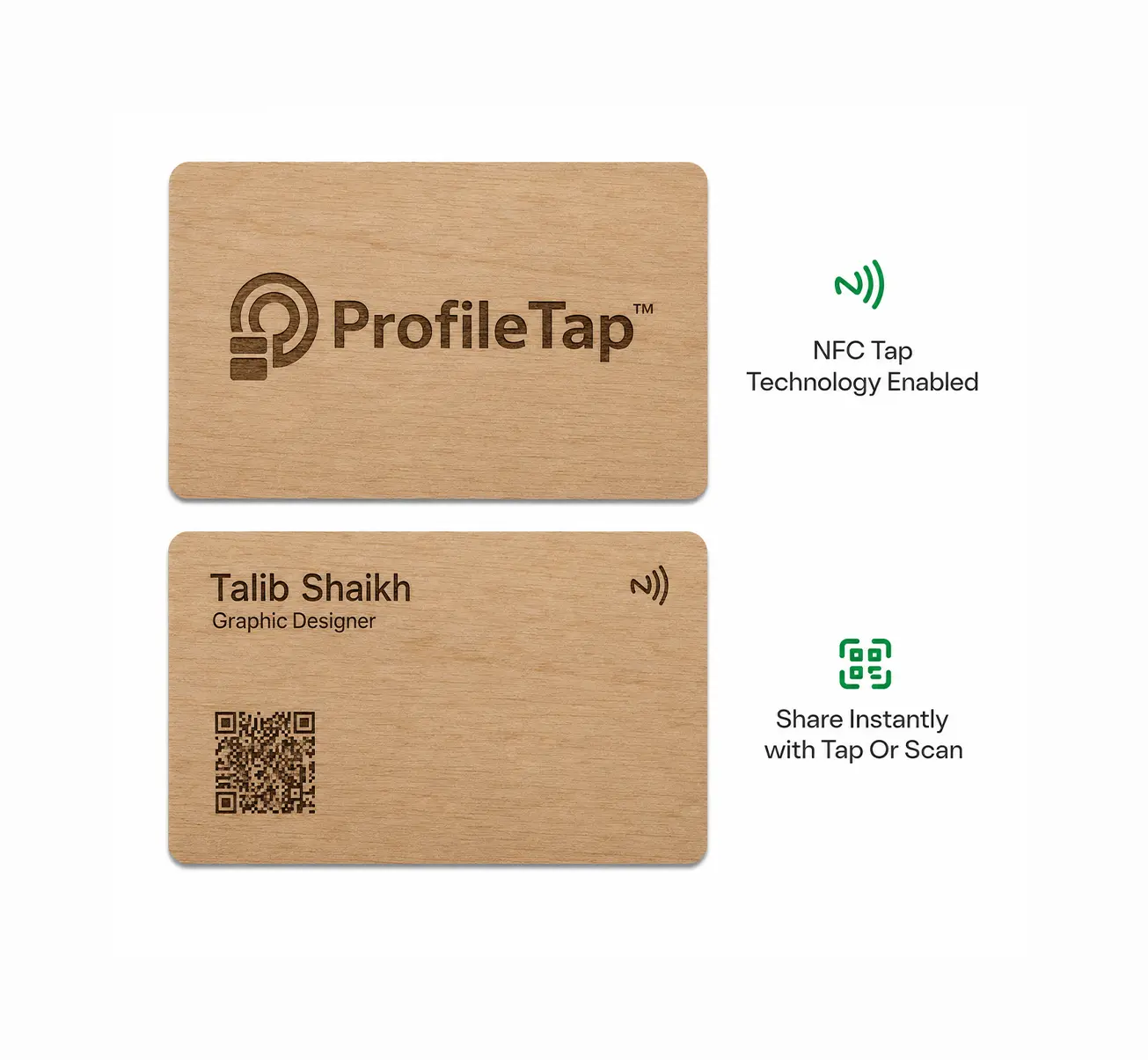
A digital business card design layout showing logo, text and QR placement

Logo in a corner, not the middle

A centred logo fights the QR for attention. Corner placement leaves the middle free and keeps the card readable at a glance.

Four lines of text, maximum

Name, role, company and one contact route is plenty; the profile behind the tap carries everything else, which is the point of going digital.

Give the QR its quiet zone

Leave clear margin on all four sides of the code and keep contrast strong. A cramped code is the single most common reason a scan fails.

DESIGN DIRECTIONS

Three NFC Card Design Ideas to Copy

Use any of these as an nfc card design template and swap in your own brand assets.

MINIMAL
MINIMAL

The one-line card

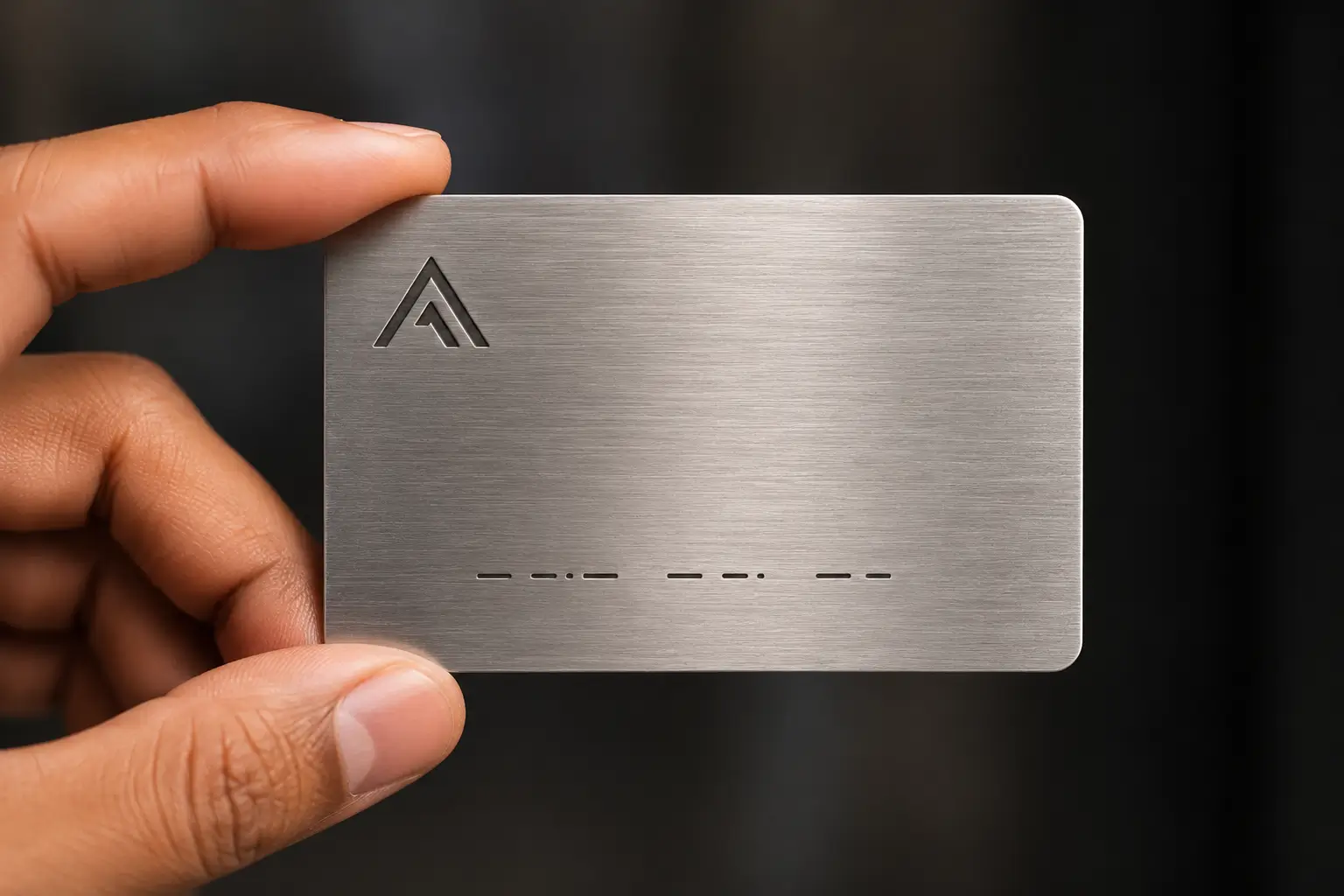
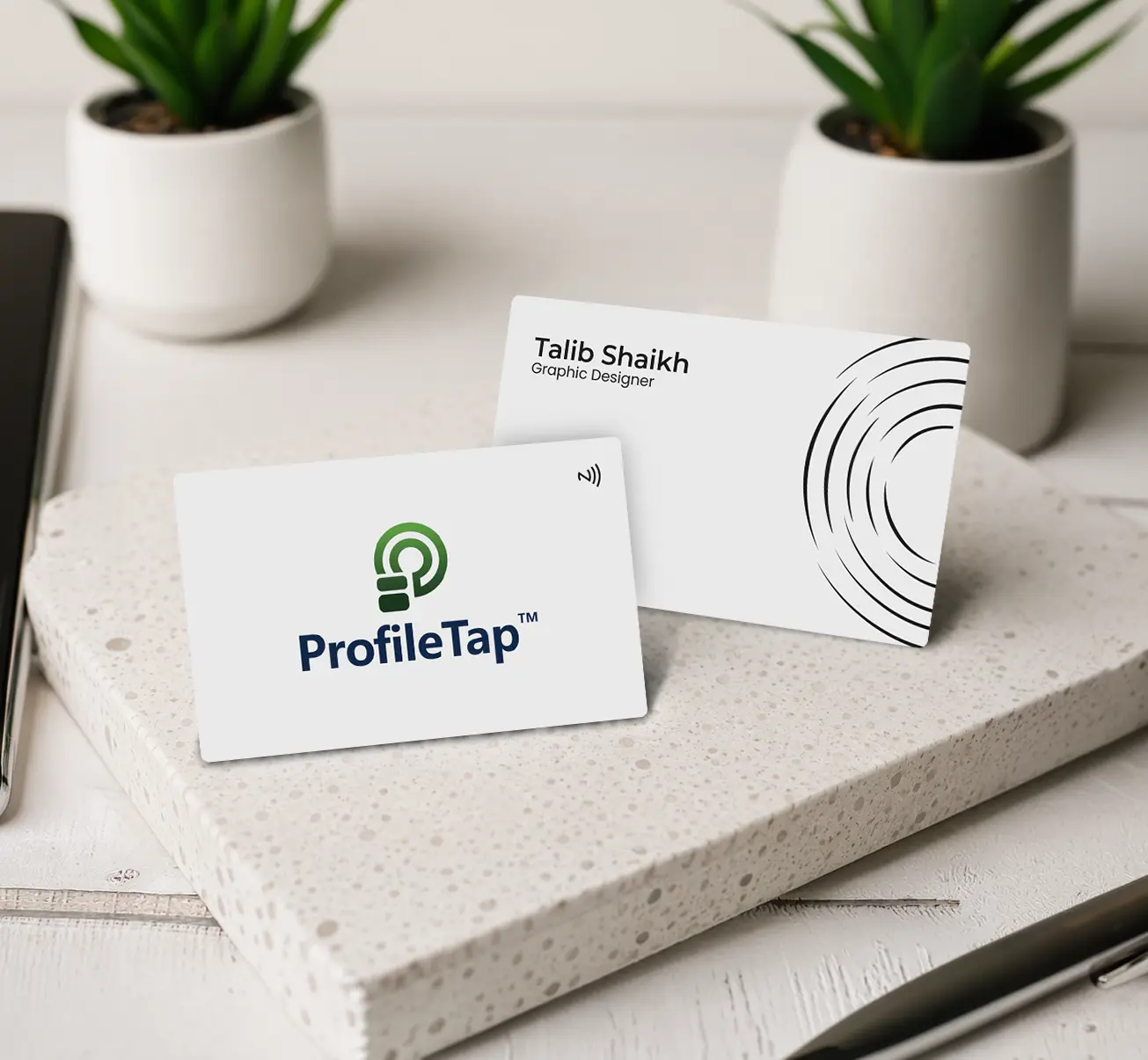
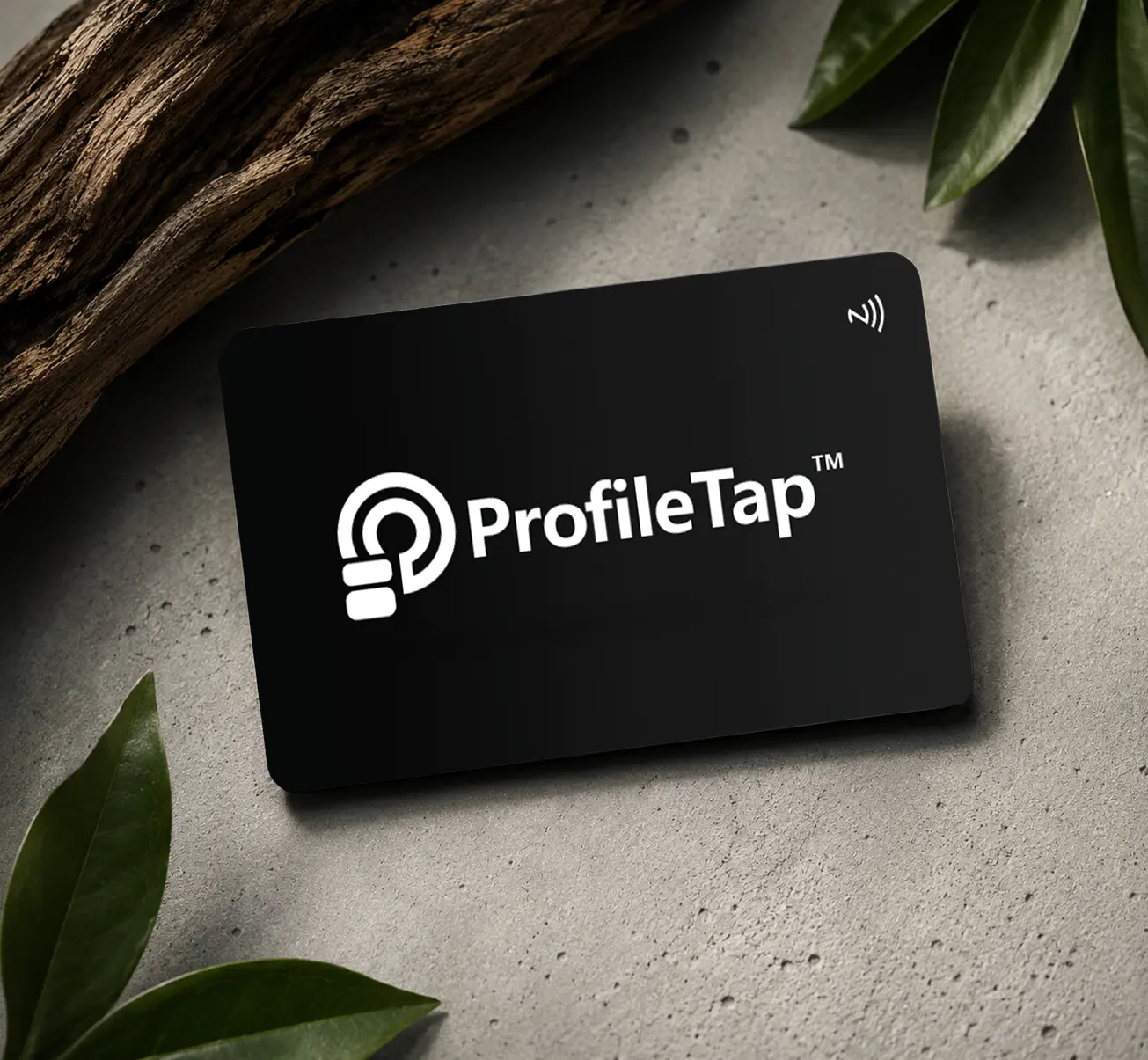
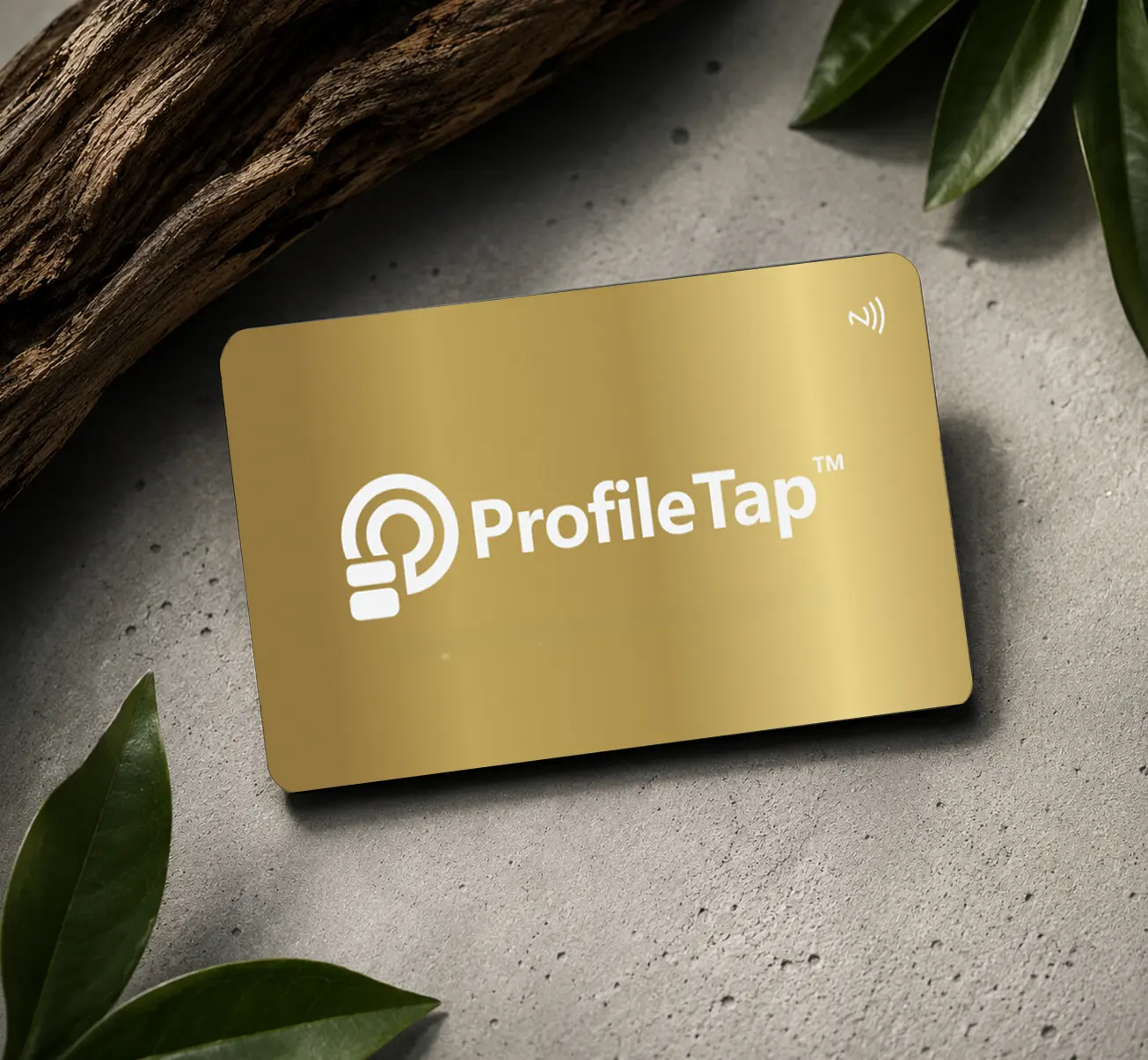
Name engraved on bare metal, logo small in a corner, nothing else on the face.

  • Suits founders and consultants
  • Ages well because there is nothing to date
See Metal Cards
BRAND-LED
BRAND-LED

The full-colour card

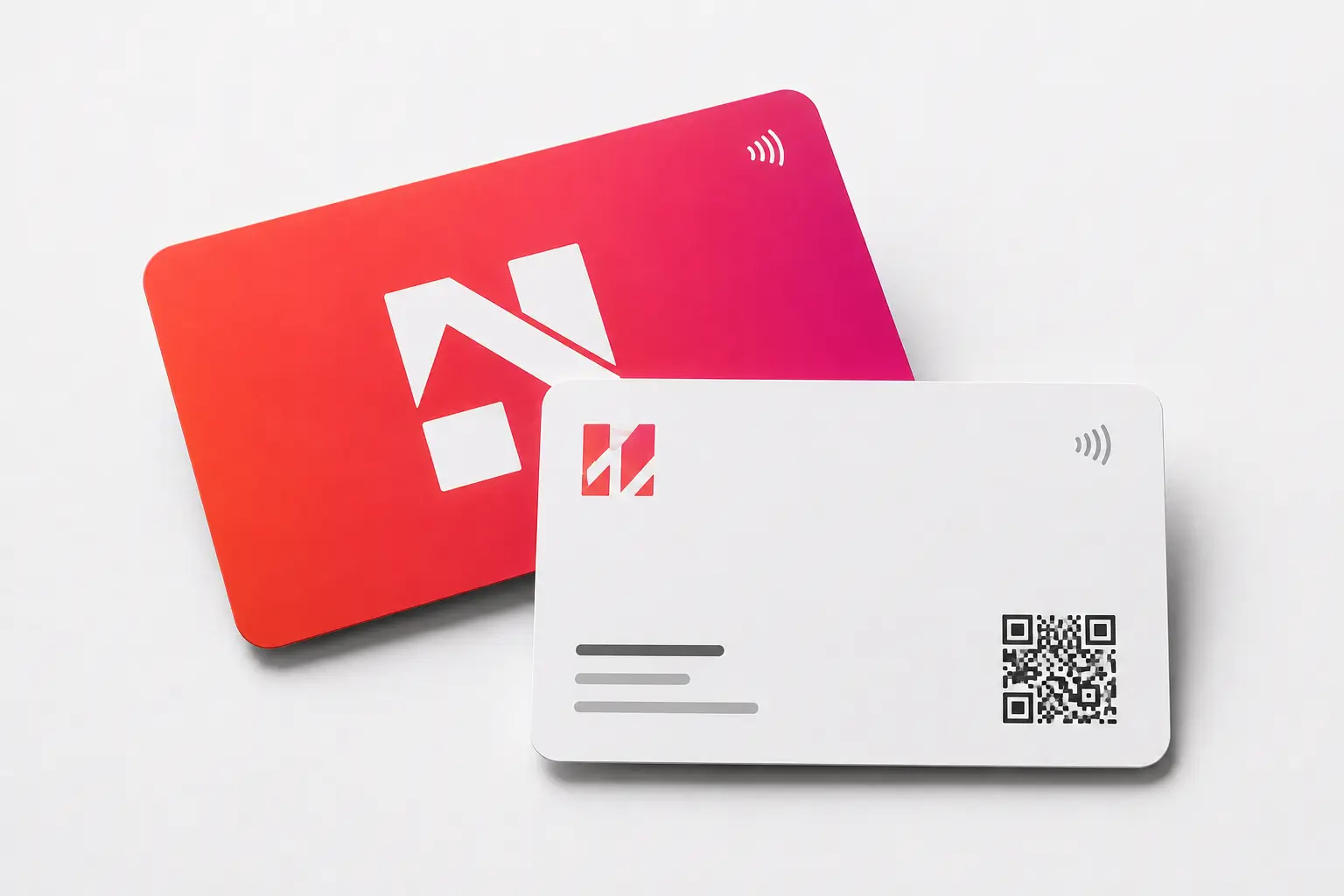
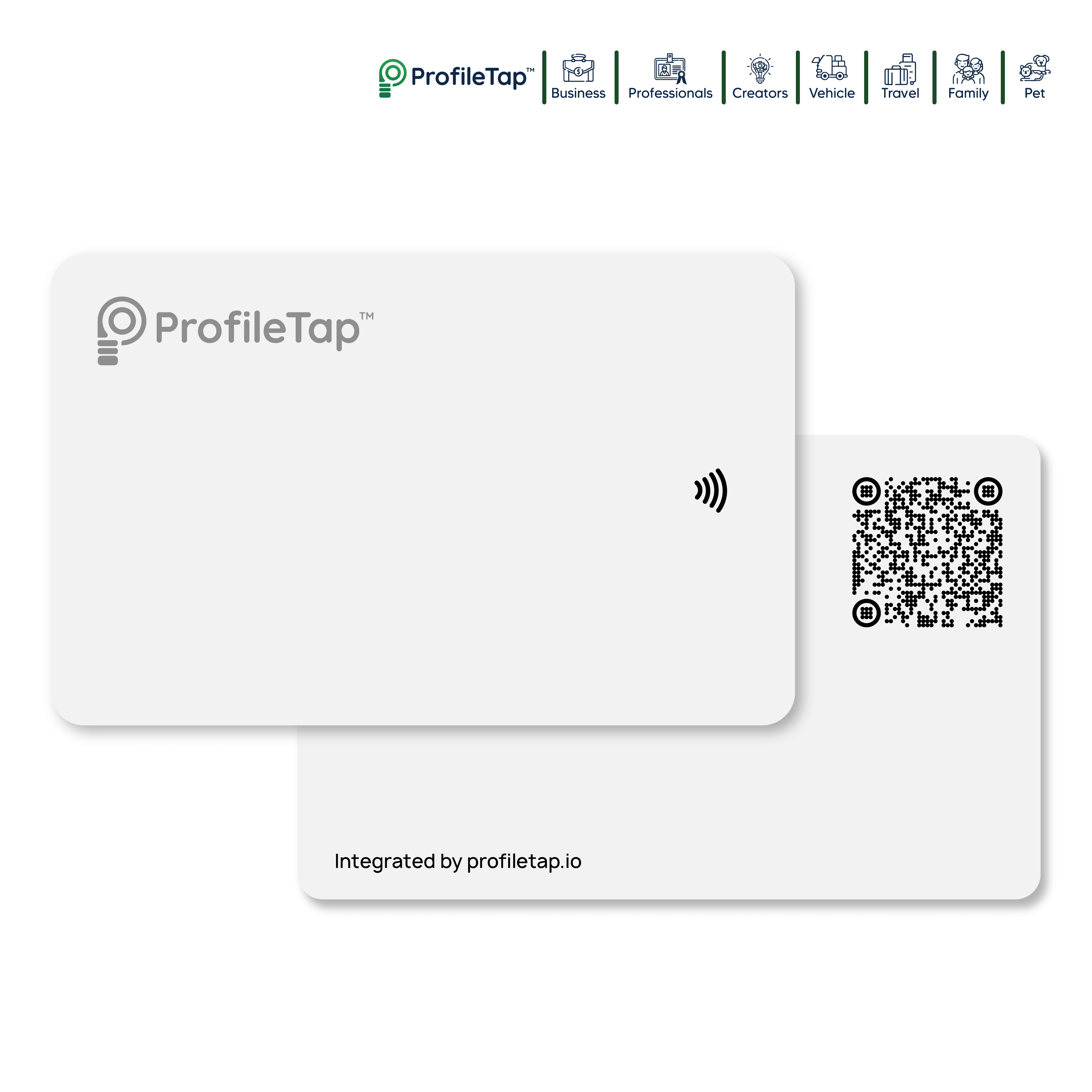
Brand colour across the back, white face for text, QR bottom-right with clear margin.

  • Best for agencies and product teams
  • Keeps a whole team visually consistent
See PVC Cards
TEXTURED
TEXTURED

The natural-material card

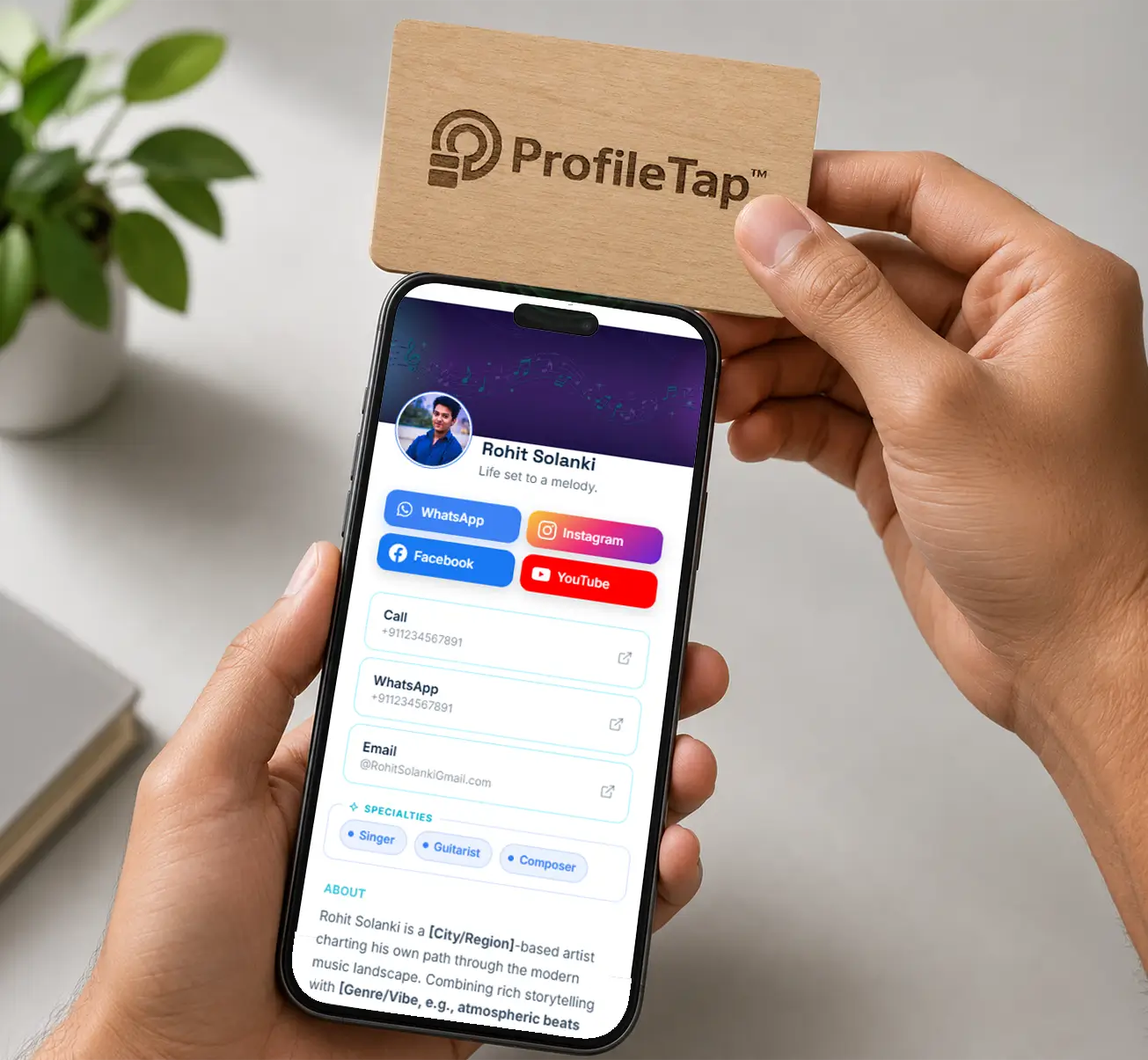
Wood grain left visible, single-colour print, oversized type so nothing competes with the texture.

  • Popular with studios and hospitality
  • Every card looks slightly one-of-a-kind
See Wooden Cards

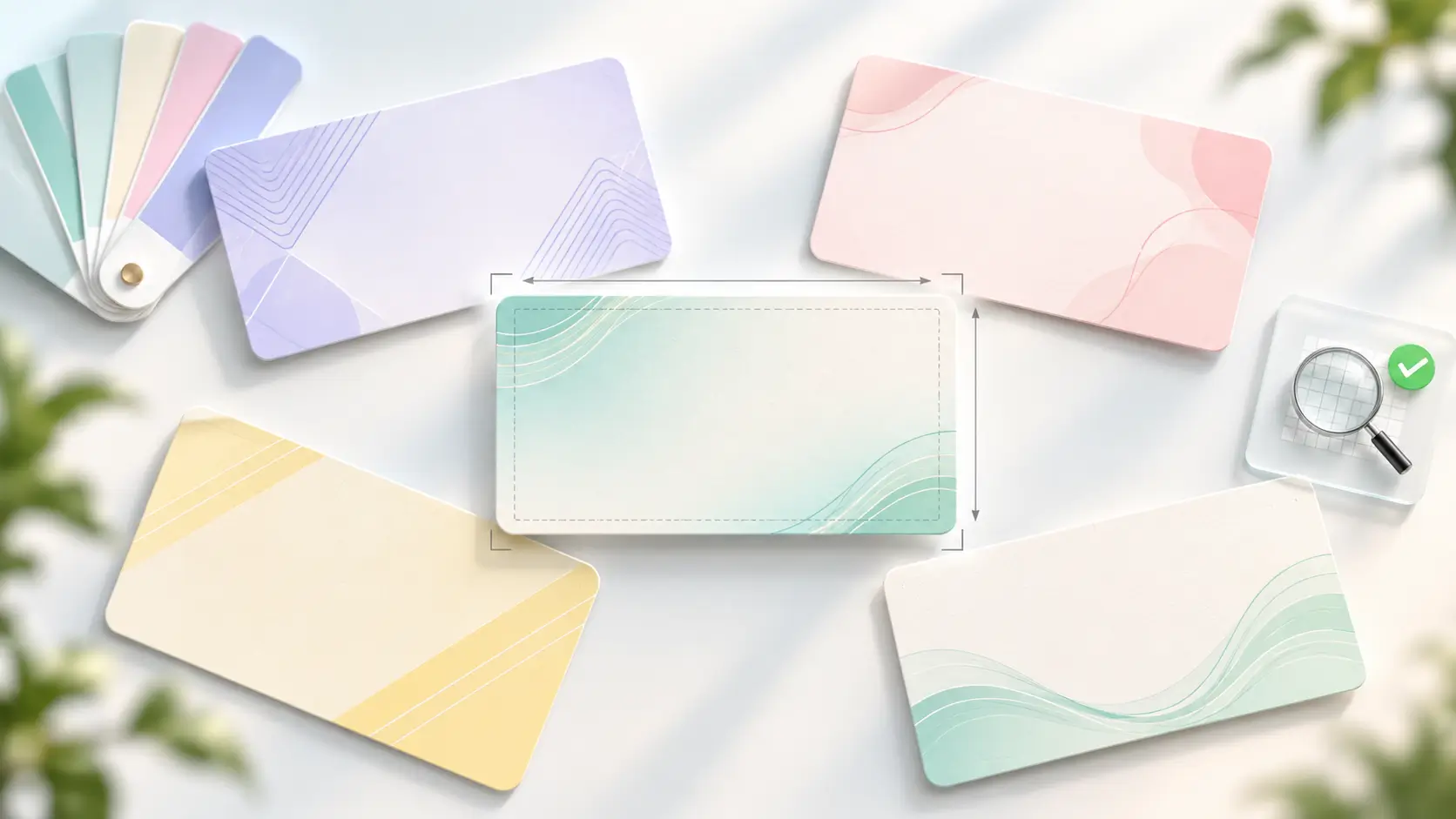
Cards to Design On

Pick the base first, then build the artwork around what that surface does well.

Design Questions, Answered

A good design keeps the face uncluttered: your name, role and logo, with a clear QR and plenty of empty space. Everything else belongs on the profile behind the tap. If a stranger cannot read the card in two seconds, it is carrying too much.

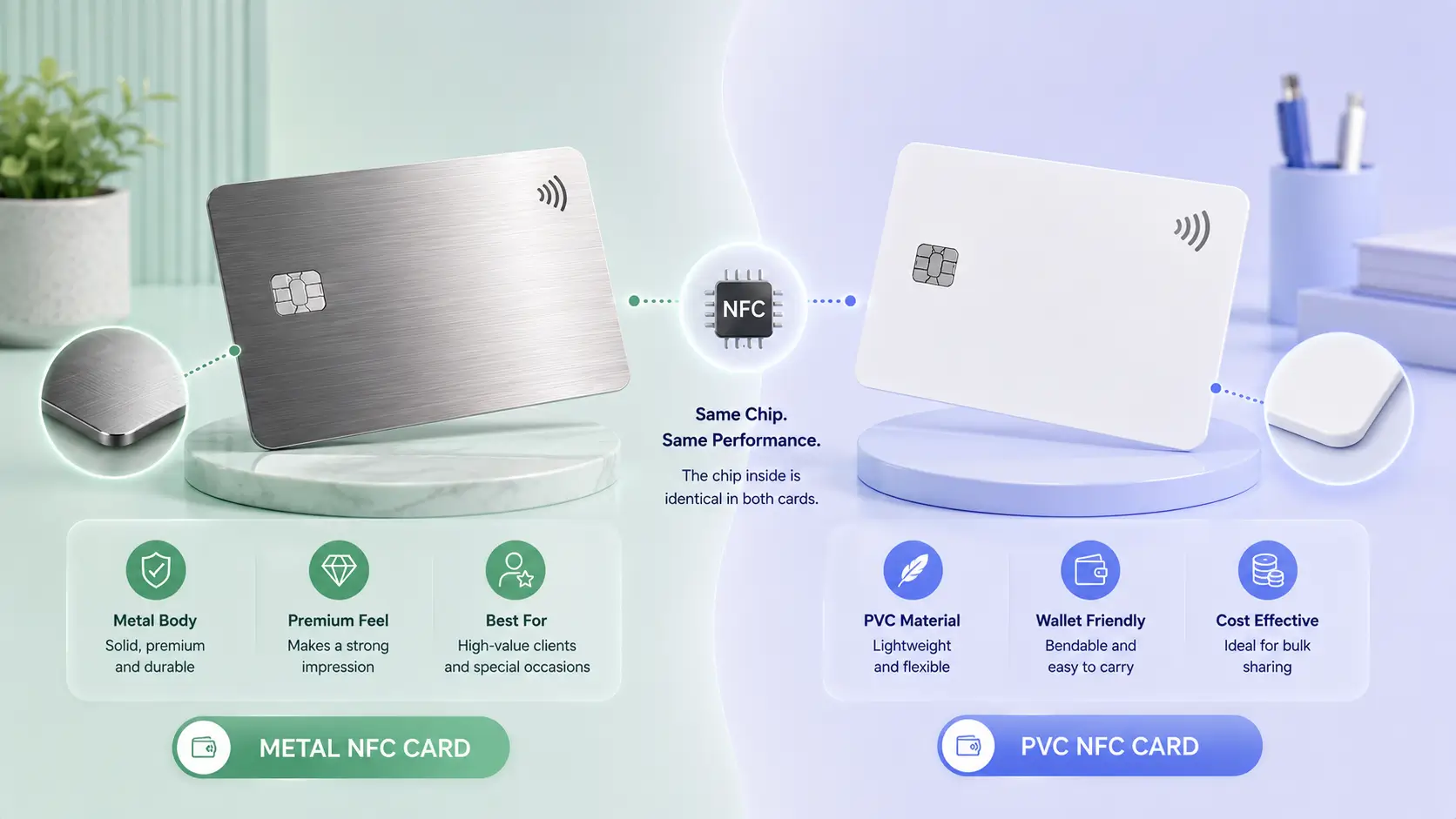
Metal suits minimal engraved layouts and feels premium in hand. PVC prints full colour, so it carries brand palettes and photography best. Wood adds warmth and texture but needs bold, simple artwork because the grain competes with fine detail.

Four lines is the practical ceiling: name, designation, company and one contact route. The card is a doorway, not a directory, and the digital business card design behind it holds your links, catalogue and full contact set.

Bottom-right or centre-back works best, with clear margin on every side and no text or graphics crossing into it. Keep the code at least the size of a fingertip so phone cameras lock on without the user shifting position.

Yes, on every material we offer. Metal takes an engraved logo, while PVC and wood take print. Send vector artwork where possible, since a low-resolution image will show its edges once it is reproduced at card size.

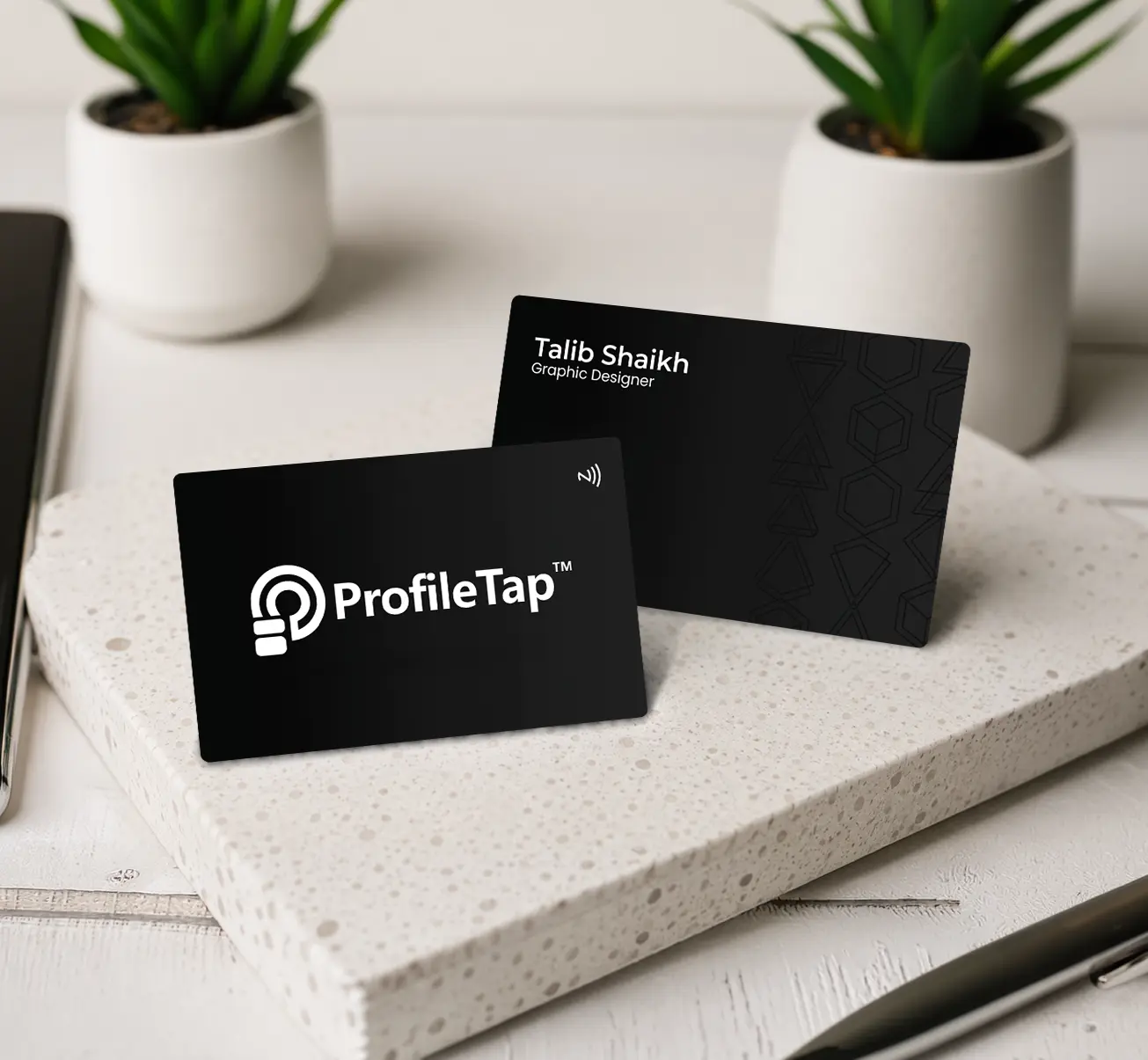
They scan reliably when the code is light on a dark background rather than the reverse, and the matte finish helps by killing glare. Test any dark nfc card mockup under bright light before approving the print run.

Standard cards follow the familiar credit-card footprint, which is what wallets and cardholders are built around. Our guide to business card size in India covers the exact measurements if you are laying out artwork yourself.

The chip sits inside the card body, so it does not restrict your artwork. Avoid punching holes through the card, and keep heavy metallic foil off the tap zone on printed materials.

Turn the Idea Into a Card

Pick a material, send your logo, and approve the proof before anything goes to production.
Engraving and print included · artwork proof before production · GST invoice · shipped across India