
Most businesses do not have a review problem, they have an asking problem. The customers who would happily leave five stars walk out without being asked, while the one unhappy person writes unprompted. Learning how to get more Google reviews is mostly about building a single consistent ask into the moment your service ends.
Here is what that routine looks like in practice, and how Indian businesses are running it in 2026.
Why Google reviews matter more in India
Google reviews are the new word-of-mouth in Indian cities. Before visiting a doctor in Pune, a restaurant in Delhi, or a salon in Bangalore, the first thing most people do is check the Google rating. For restaurants specifically, there is a whole playbook for increasing reviews.
Why they carry weight:
- A visibly higher star rating pulls more clicks than a lower one on the same search results page
- Most people treat a stranger's review as seriously as a recommendation from someone they know
- Customers rarely stop at one review — they read several before deciding
- Profiles where the owner replies consistently tend to keep attracting new reviews
The problem is not awareness - most business owners know reviews matter. The problem is time. Writing a thoughtful, professional response to every review takes 5-10 minutes each. Multiply that by 10-20 reviews a month, and it is 2-3 hours of work that keeps getting postponed.
What Google review management actually involves
This is not about producing reviews — that breaks Google's rules and is not worth the risk. It is the set of habits small teams use to manage business reviews: collecting real ones faster, and answering them steadily instead of in guilty bursts every few months.
1. Faster Response Drafting
When a new review comes in, you start from a template that matches the situation — praise, a mixed rating, or a complaint — and personalise it with a detail from that specific review.
Example - positive review:
Review: "Dr. Sharma is very thorough and explains everything clearly. The clinic is clean and the staff is helpful."
Template reply: "Thank you for your kind words! We're glad Dr. Sharma could provide the thorough care you deserve. Our team works hard to maintain a welcoming environment, and it's wonderful to hear that effort is noticed. We look forward to seeing you at your next visit."
Example - negative review: our full guide to responding to negative Google reviews works through the wording line by line.
Review: "Waited 45 minutes past my appointment time. Very poor time management."
Template reply: "We sincerely apologise for the extended wait during your visit. We understand your time is valuable, and this falls below our standard. We are reviewing our scheduling process to prevent this from happening again. If you would like to discuss this further, please contact our front desk directly."
Adapt the template, add one specific detail so it never reads as copy-paste, and post. What took 10 minutes now takes about a minute.
2. Sorting Reviews by Priority
Sort incoming reviews by rating and topic so nothing urgent sits unanswered:
| Sentiment | Example Topics | Action |
|---|---|---|
| Positive | Staff, service quality, cleanliness | Thank and reinforce |
| Negative | Wait time, pricing, rude behaviour | Respond urgently, investigate |
| Neutral | Generic "good" or "okay" | Respond warmly, encourage detail |
| Mixed | "Great doctor but long wait" | Acknowledge both, address the negative |
This lets you prioritise - negative reviews get immediate attention, positive reviews get timely thanks.
3. Smart Review Request Timing
Pick one consistent point in your service and ask every customer there — not only the ones you expect to be happy:
- For a doctor: Once the consultation or follow-up is complete, asked the same way of every patient
- For a restaurant: Within 2 hours of the meal, while the experience is fresh
- For a freelancer: After delivering the final project, not mid-project
- For a real estate agent: After the deal closes, not during negotiations
Your ProfileTap business profile helps here — it shows when clients engage with your profile, so you know your review request is landing at a sensible moment rather than a guessed one.
4. Review Collection via QR
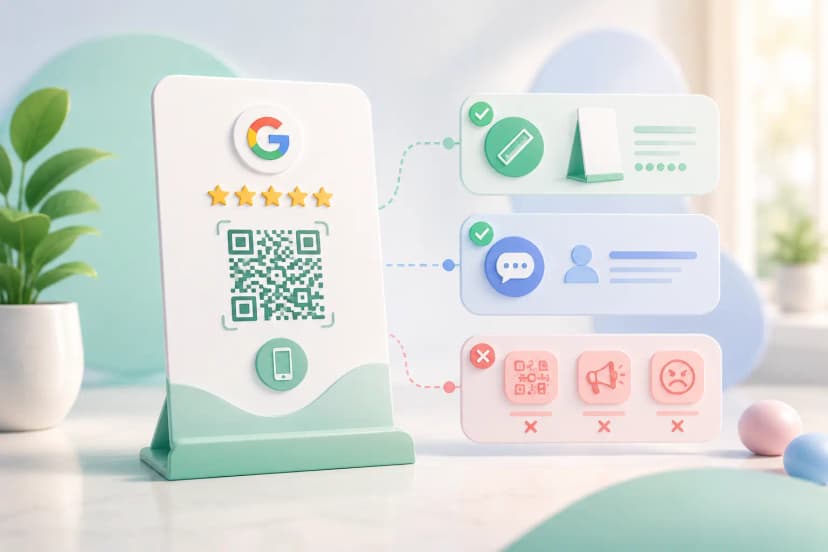
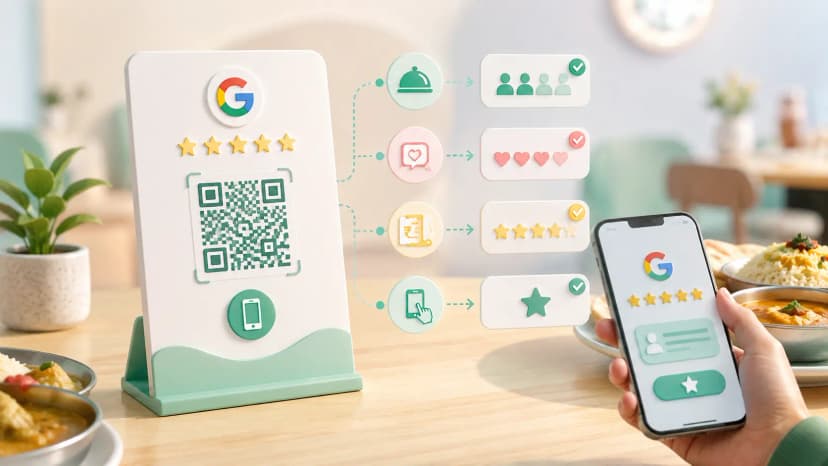
Instead of asking "Please leave us a Google review" and hoping clients remember, review collection tools generate QR codes that link directly to your Google review page. Place them on:
- Reception desk standees
- Bill receipts
- NFC business cards (clients tap to review)
- Follow-up WhatsApp messages
The card or standee itself has design rules that decide whether customers actually use it — see the guide to Google review card design.
How to get more Google reviews: a five-step setup
Step 1: Connect Your Google Business Profile
Link your Google Business Profile to your review management tool. Your ProfileTap business profile connects through your existing business profile — no additional setup needed. Keep your Google review link handy at this step — it is what every request method below points at.
Step 2: Set Response Preferences
Configure your tone and style:
- Professional and warm (recommended for healthcare, education)
- Friendly and casual (recommended for restaurants, salons)
- Formal (recommended for legal, financial services)
Keep a short set of saved replies in each tone so responses stay consistent whoever writes them.
Step 3: Enable Review Alerts
Set up notifications for:
- All new reviews (recommended)
- Negative reviews only (minimum)
- Reviews mentioning specific topics (e.g., "wait time", "pricing")
Step 4: Create Your Review Request Flow
Choose how you will request reviews:
- QR code on physical standee or card
- WhatsApp message after service
- Email follow-up
- NFC tap on your ProfileTap business card
Step 5: Reply Using Your Templates
When a new review comes in:
- You get a notification that a new review has arrived
- Open the matching template and personalise it (usually minor tweaks)
- Post the response
- Total time: under 1 minute
Common mistakes that quietly cost you reviews
Mistake 1: Ignoring Negative Reviews
Some businesses avoid responding to negative reviews, hoping they will get buried. They do not. Unanswered negative reviews signal to potential customers that you do not care. Always respond — a saved template makes it fast, and a calm, professional reply protects you far better than silence.
Mistake 2: Copy-Paste Identical Responses
Posting "Thank you for your feedback!" on every review — positive and negative — looks worse than not responding at all. Vary each reply and reference something specific the reviewer actually mentioned.
Mistake 3: Getting Defensive
When a negative review stings, the instinct is to argue. Write the reply, then leave it for an hour before posting. A template helps here — starting from calm, neutral wording keeps you from writing something you will regret.
Mistake 4: Only Asking Happy Customers for Reviews
If you only request reviews from people you know are happy, your review profile will not reflect reality. More importantly, you miss the chance to identify and fix problems early. Request reviews from all clients - the honest feedback is more valuable than the star count.
How different businesses ask for reviews
Doctors and Clinics
- Key review topics: Wait time, doctor behaviour, clinic cleanliness, treatment outcomes
- Response tone: Professional, empathetic, privacy-aware (never discuss diagnosis or treatment specifics in a public reply)
- Review request timing: After the follow-up appointment — asked of every patient, whatever the outcome
- ProfileTap advantage: Digital business card for doctors with built-in review request flow
Restaurants and Cafes
- Key review topics: Food quality, service speed, ambiance, pricing
- Response tone: Warm, grateful, inviting
- Review request timing: Within 2 hours of the meal
- Tip: Respond to food-specific praise with specific thanks ("Glad you enjoyed the butter chicken!")
Real Estate Agents
- Key review topics: Communication, market knowledge, negotiation, responsiveness
- Response tone: Professional, trustworthy
- Review request timing: After deal closure and handover
- ProfileTap advantage: Digital business card for real estate agents with team review tracking
Salons and Spas
- Key review topics: Stylist skill, hygiene, wait time, pricing
- Response tone: Friendly, personal
- Review request timing: At billing, once the service is finished — same ask for every client
Setting this up with ProfileTap
If you already have a ProfileTap business profile, review management tools are built in. If you do not have one yet, creating a profile takes 5 minutes - and you will start receiving review insights as soon as your first review comes in.
Create Your Free Business Profile
Two things make that ask effortless in a shop: a Google review QR code customers can scan at the billing counter, and a printed review poster placed where they already stand and wait. Both start from the same tap-to-review setup, which ships encoded to your listing.