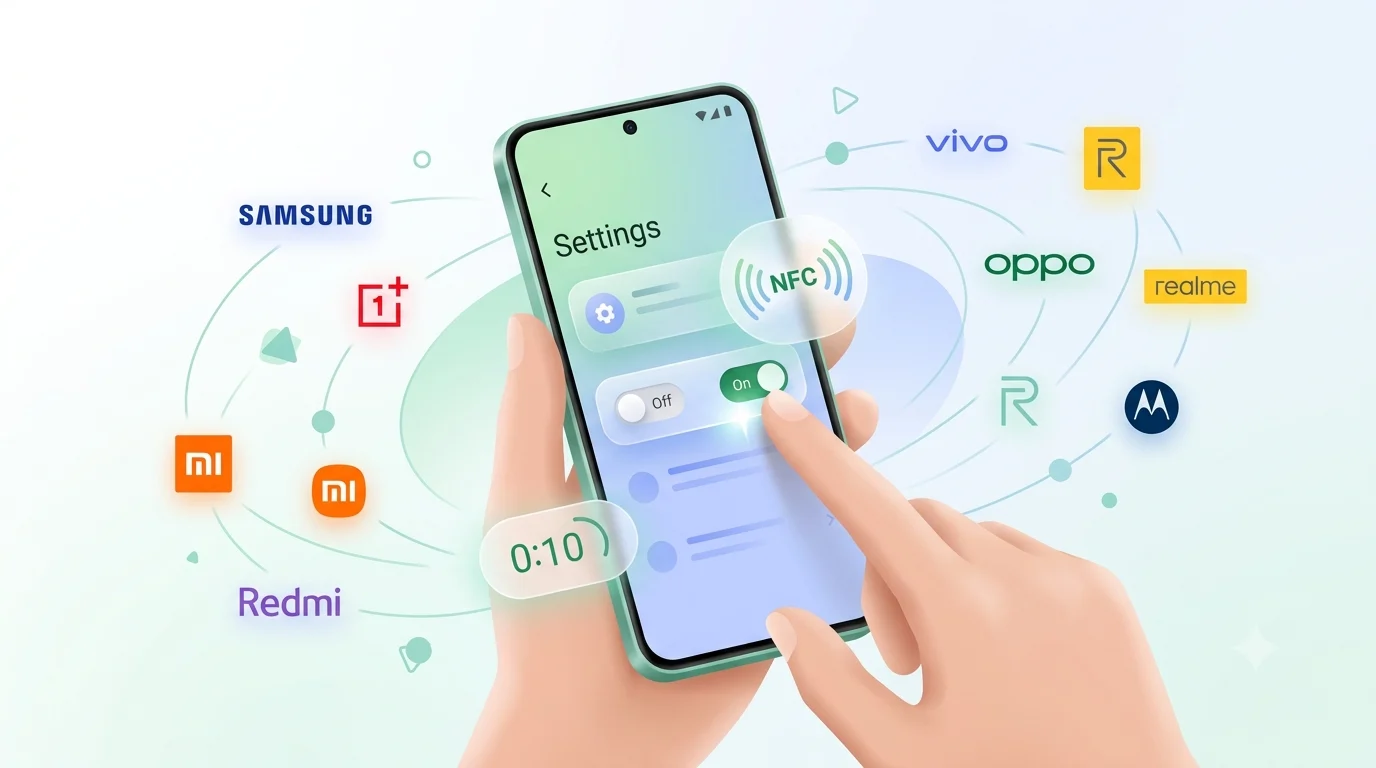

Here is how to enable NFC on Android: open Settings, search for "NFC", and turn the toggle on. On most phones the setting sits under Connections or Connection & sharing. The whole thing takes about ten seconds, and once it is on you can leave it on — NFC draws almost no battery while idle. On an iPhone there is nothing to enable at all — here is why the setting does not exist.
The exact menu name changes by brand, which is why a screenshot from one phone so rarely matches the screen in front of you. Below is the universal method first, then the exact path for every major phone brand sold in India — Samsung, OnePlus, Xiaomi, Redmi, POCO, Vivo, iQOO, Oppo, Realme and Motorola.
The fastest way: NFC settings on Android
- Open the Settings app.
- Tap the search icon at the top and type NFC.
- Tap the NFC result that appears.
- Turn the toggle on. Done.
That is the short version of how to enable NFC on Android. If you searched how to enable NFC in Android phone and got confused by screenshots that did not match your handset, the Settings search box is why that no longer matters — it skips brand-specific naming entirely.
Even faster: swipe down twice from the top of the screen to open the full Quick Settings panel and look for an NFC tile. If there isn't one, tap the edit or pencil icon and drag the NFC tile in. After that it is a one-tap toggle you never have to hunt for again.
Quick reference: the NFC path by brand
- Samsung — Settings > Connections > NFC and contactless payments
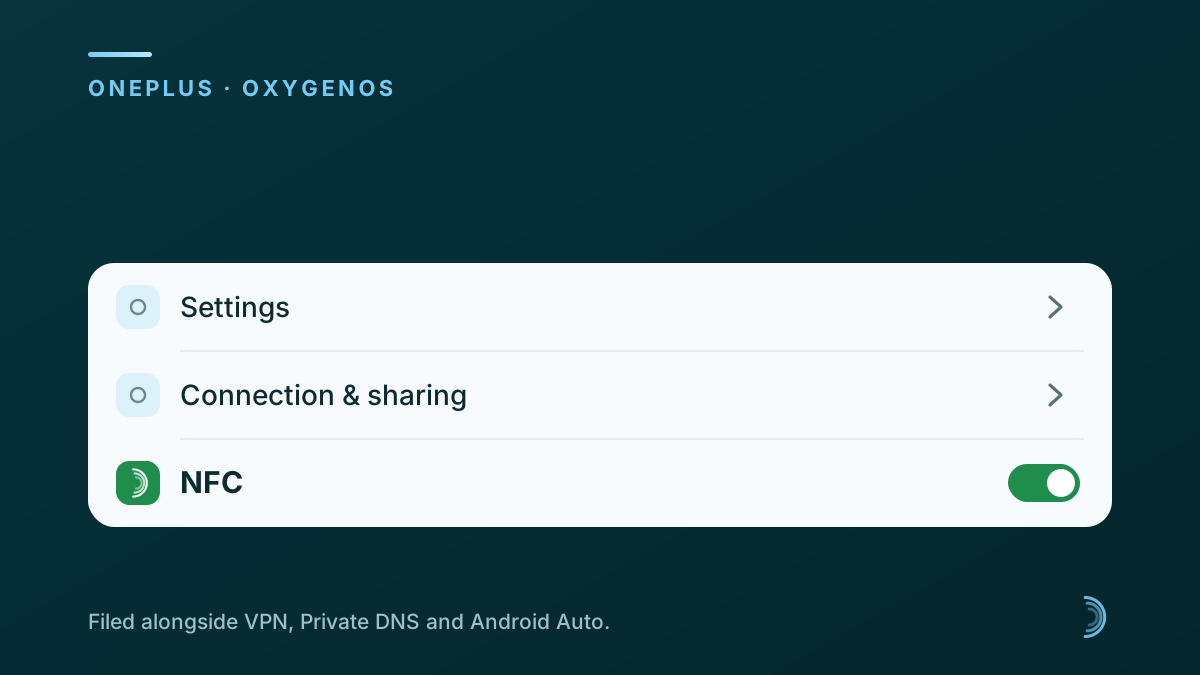
- OnePlus — Settings > Connection & sharing > NFC
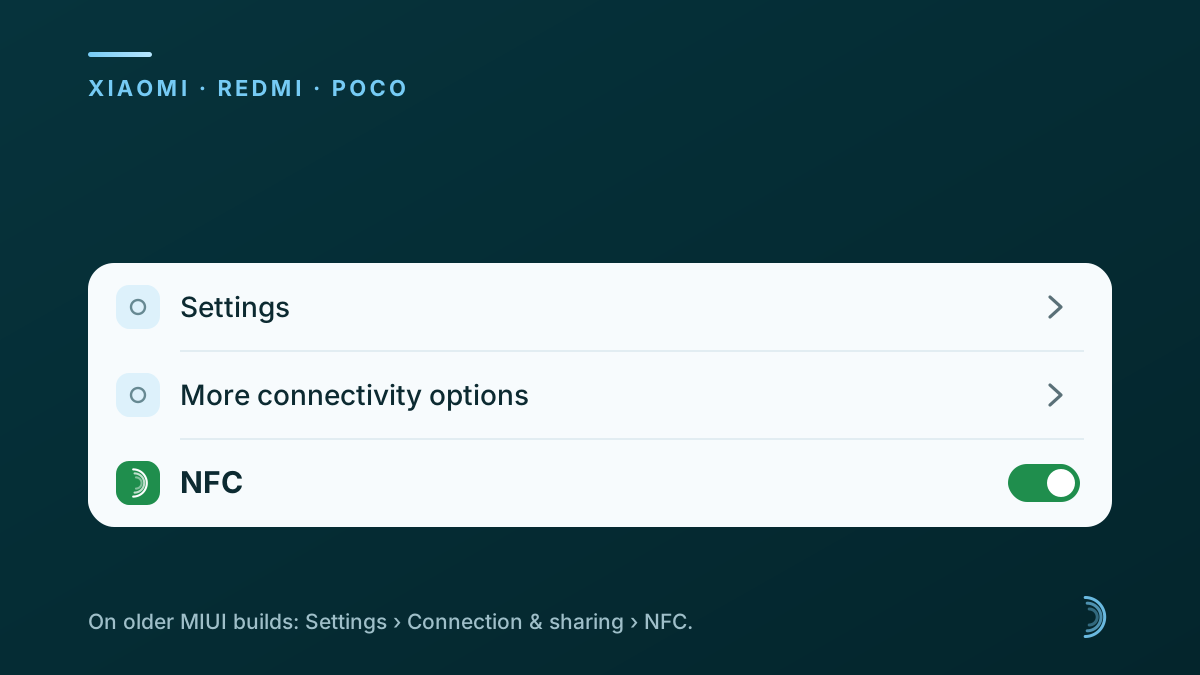
- Xiaomi / Redmi / POCO — Settings > More connectivity options > NFC (HyperOS) or Connection & sharing > NFC (older MIUI)
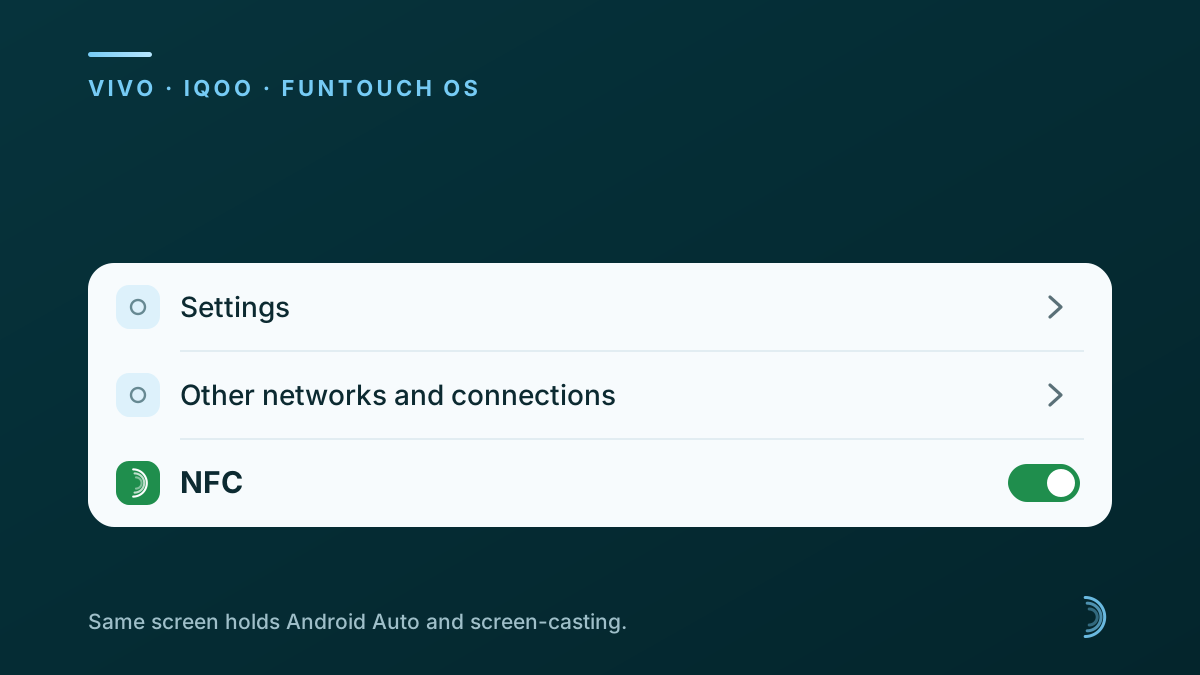
- Vivo / iQOO — Settings > Other networks and connections > NFC
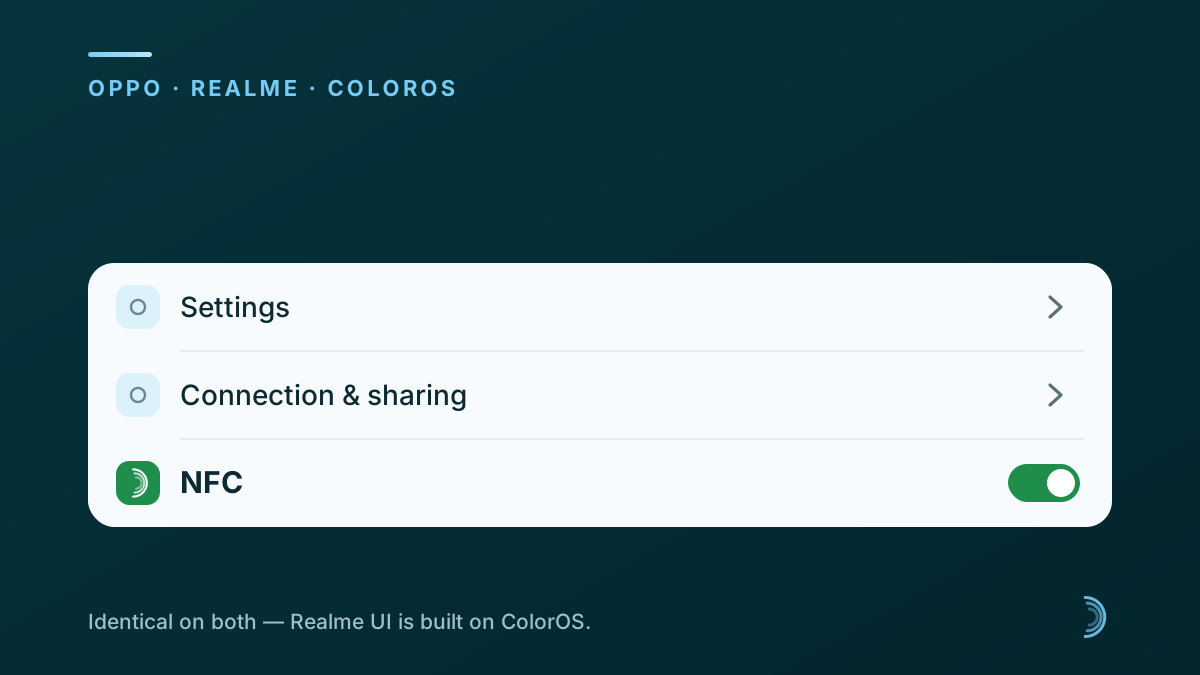
- Oppo / Realme — Settings > Connection & sharing > NFC
- Motorola / Nokia / Pixel — Settings > Connected devices > Connection preferences > NFC
- Any brand — open Settings, search "NFC", turn the toggle on
Brand by brand: how to enable NFC on Android by manufacturer
Where is the NFC setting on a Samsung phone?
On a Samsung Galaxy, go to Settings > Connections > NFC and contactless payments, then turn the toggle on. That one screen controls both tag reading and tap-to-pay. Tap the setting name rather than the switch and you also get Samsung's on-screen guide showing exactly where the NFC antenna sits on the back of your phone.
That one screen is the whole answer for NFC in Samsung handsets, and how to enable NFC on Samsung has not shifted across recent One UI versions — the same path works on a Galaxy S, A or M series phone.
How do I turn on NFC on a OnePlus phone?
On OnePlus, open Settings > Connection & sharing > NFC and turn it on. OxygenOS groups NFC into that menu alongside VPN, Private DNS and Android Auto, which is why it isn't where most people first look. A Quick Settings tile also exists — swipe down and tap the NFC icon; lit means on, grey means off.
Xiaomi, Redmi and POCO
On current HyperOS builds, go to Settings > More connectivity options > NFC. On older MIUI versions the same toggle lives under Settings > Connection & sharing > NFC. There is a known catch on how to enable NFC in Redmi Note 9 and models like it: many Xiaomi, Redmi and POCO handsets sold in India ship without the NFC chip, so the option is genuinely absent rather than hidden.
Vivo and iQOO
On Vivo and iQOO phones running Funtouch OS, the toggle sits under Settings > Other networks and connections > NFC. Where is NFC in Vivo mobile menus? That screen, the same one that holds Android Auto and screen-casting. Not sure it exists on your model? Use the Settings search; if nothing returns, the handset has no NFC chip.
Oppo and Realme
On Oppo's ColorOS and on Realme UI, go to Settings > Connection & sharing > NFC and switch it on. The path is identical on both because Realme UI is built on ColorOS. How to enable NFC on Android Oppo is therefore the same two-tap route on every recent Reno, F-series and A-series handset that carries the chip.
Motorola, Nokia and Pixel (near-stock Android)
On handsets running close to stock Android, the path is Settings > Connected devices > Connection preferences > NFC. How to enable NFC on Motorola is the same route, though some Android versions shorten it to Settings > Connected devices > NFC. The Settings search finds it either way, which is why it is the method worth memorising.
How do I know if my phone has NFC?
Open Settings, search for "NFC", and see whether any result appears. If a toggle shows up, your phone has the chip. If the search returns nothing at all, it does not. That two-second test is the entire answer to how to check if my phone is NFC enabled — no spec sheet required. And if your handset turns out to have no chip, an NFC card still works on it through its printed QR code.
How to check if my phone has NFC comes up most often before buying a card, when the handset is not in hand yet. In that case look up the exact model number on the manufacturer's India site and check the connectivity line of the spec sheet. Model numbers matter: Indian variants of the same phone sometimes drop NFC while the global variant keeps it. For which brands and price bands include the chip, see phones with NFC in India.
Do I need to turn on NFC to use an NFC business card?
Yes. An NFC card carries a chip your phone reads only while NFC is switched on, so leave the toggle enabled if you tap cards regularly. The person receiving your card needs it on as well — which is exactly why a well-made NFC visiting card also carries a printed QR code, so anyone can still open your profile with a camera scan.
How to activate NFC payment on Android
Turning NFC on is only step one. To set up tap-to-pay you enable NFC, then choose a default payment app — on Samsung that lives under Connections > NFC and contactless payments > Contactless payments. How to activate NFC payment on Android carries one extra requirement: a screen lock, because most wallet apps refuse to activate a card without one.
Is NFC always on for iPhone?
Yes — on iPhone XS and later, background NFC tag reading is always active and there is no toggle to flip. Unlock the phone and hold its top edge near the card. Apple never exposed a setting, which is why hunting through iPhone Settings for one leads nowhere. Older models from iPhone 7 to iPhone X need the NFC Tag Reader tile added to Control Centre instead.
Why is NFC not working even after I turn it on?
Almost always the case or the tap position. NFC works over roughly four centimetres and the antenna usually sits near the top or centre of the phone's back, not the bottom. Work through these in order:
- Take the case off. Thick, metal or card-holding magnetic covers block the field completely.
- Move the tap point. Slide the card slowly across the upper half of the phone's back until it registers.
- Unlock the screen. A locked phone will not read a tag on most Android builds.
- Check Airplane mode. It switches NFC off, and does not always switch it back on afterwards.
- Restart the phone. Then toggle NFC off and on once before trying again.
If none of these five steps work, the deeper checklist — hardware checks included — is in our guide to fixing an NFC card that is not working.
Once NFC is on
Tapping a card becomes genuinely instant — no app to install, no pairing, no internet connection needed. If you are setting this up because a card is on its way to you, our guide to using an NFC business card walks through the first tap and what your contact actually sees. Still unsure what the chip does in the first place? What NFC means in mobile phones covers the basics in two minutes.