
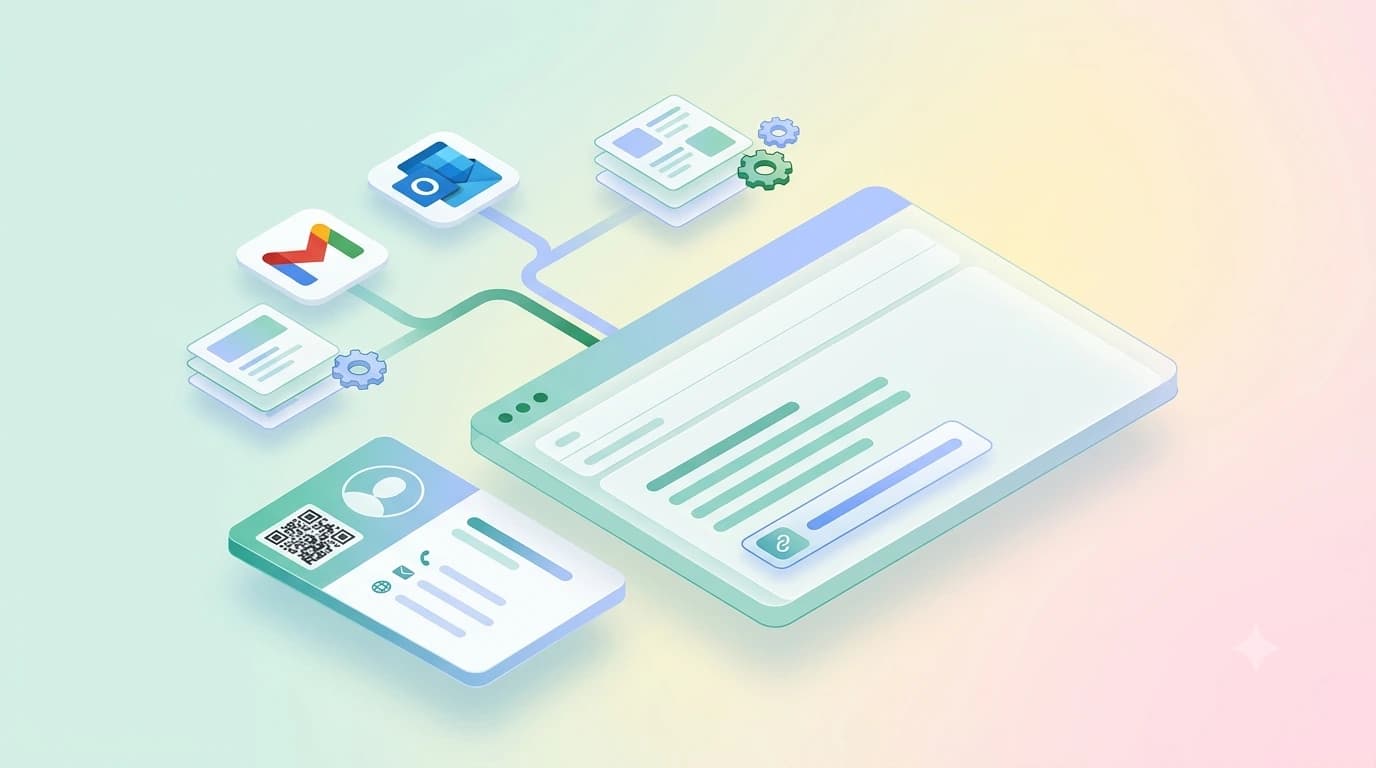
An email signature with digital business card attached is your normal sign-off plus one live link, the URL or QR of your digital profile, so anyone reading your mail can open your full contact card and save your details in one tap. It takes about five minutes to set up in Gmail or Outlook, and it never needs reprinting when your number changes. Below: the exact steps for both, a clean email signature format that survives mobile screens, copy-ready email signature templates for three common roles in India, and where a generator helps and where it gets in the way.
Three rules for the signature
- Four lines and one hyperlinked text line. Anything longer gets skimmed and pushes your message off a phone screen.
- A text link survives Gmail clipping and Outlook image-blocking. Add a QR if you want one, but the link does the work.
- Set the mobile signature too. Most Indian professionals send more mail from the phone than the laptop.
What is an email signature with digital business card?
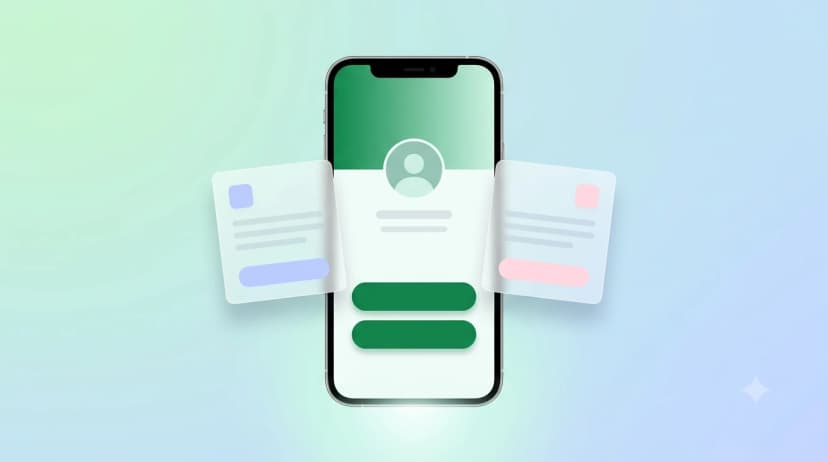
A plain signature in mail is the text block your client appends to every message: name, role, company, phone. Adding a digital business card puts one live link on top of that, a profile URL or a small QR image, so the reader gets your photo, socials, WhatsApp, address and anything else you have added, without you squeezing it into six lines of text. The practical difference shows up months later: change your number, and the signature in mail you sent last year still resolves to the correct details, because the link points at a profile you keep editing.
How do you add a digital business card to your email signature?
Five steps, done once:
- Create your digital card and copy its public link. If you do not have one yet, you can make a visiting card online free and the profile URL is generated for you.
- Open your mail settings. Gmail: Settings, See all settings, General, Signature. Outlook: File, Options, Mail, Signatures. Gmail mobile app: Settings, your account, Mobile Signature.
- Type the text block first: full name, role, company, one phone number, city. Stop there.
- Add one line underneath, something like "My digital card", and hyperlink those words to your profile URL. Hyperlinked text survives copy-paste and dark mode far better than a pasted raw URL.
- Optional: add your QR as a small image, roughly 120 to 150 px wide. Smaller than that and phone cameras start struggling; the QR code size rules apply on screen too.
Then send yourself a test mail from a different account and open it on a phone. Images and spacing are the two things that break between desktop and mobile, and you will only see it in a real inbox.
What is the correct email signature format?
| Line | Content | Rule |
|---|---|---|
| 1 | Full name, plus a credential only if genuinely relevant (Dr., CA, Adv.) | No nicknames, no honorifics for their own sake |
| 2 | Role, company name | One row; split if the employer name is long |
| 3 | One phone number and the city | Two numbers means the reader picks the wrong one |
| 4 | Your digital card link, as hyperlinked text | The one thing you want clicked |
| Optional | A company logo under 200 px wide, or your QR | Not both |
Skip the quote, the legal disclaimer nobody reads, the "Sent from my iPhone" leftovers, and the four social icons. Every element you remove gives the card link a better chance of being clicked.
Email signature templates you can copy
| Role | Template (keep the line breaks) | Why it works |
|---|---|---|
| Freelancer or consultant | Priya Nair / Brand and Content Consultant / +91 XXXXX XXXXX, Mumbai / My digital card | Keeps it personal; the card carries the portfolio, rates page and WhatsApp button |
| Shop or agency owner | Rakesh Mehta / Owner, Mehta Interiors / +91 XXXXX XXXXX, Pune / Catalogue, address and reviews | The link label describes what is behind it, which lifts clicks more than the word "profile" |
| Salaried professional | Ananya Rao / Senior Manager, Operations / Acme Logistics Pvt Ltd / +91 XXXXX XXXXX / My digital card | Company line on its own row when the employer name is long |
Is an email signature generator worth using?
It depends what you need it to do; we break that down in the email signature generator guide. A generator is a form that outputs HTML you paste into Gmail or Outlook. It earns its keep if you want a designed layout with a logo, a divider and aligned columns, because hand-coding that in a settings box is miserable. Tools that draft the wording for you add a step that matters less than the marketing suggests: a good signature is four lines and you already know your own job title.
Where a generator earns its keep
- A designed layout with logo, divider and aligned columns
- Centralised control across a team
- Click tracking, if you actually need it
Where a generator costs you
- Many host your logo on their servers; if the tool shuts down or the trial lapses, every mail you sent shows a broken image
- Several free tiers add their own branding line under your name
- Drafted wording saves thirty seconds on something you already know
Gmail vs Outlook: what renders
Why the text link is the primary element
- Gmail clips long threads and hides repeated signatures behind the "..." button, so a heavy signature disappears from view on the second reply onwards.
- Outlook desktop blocks external images until the recipient clicks "download pictures", so a QR-only signature shows nothing at all to a cautious corporate reader.
- A hyperlinked text line survives both. Treat the QR as a bonus.
Mistakes that make an email signature look unprofessional
- Coloured or decorative fonts; they render as fallback text on half the devices that receive them.
- A signature longer than the email; common in first outreach and it reads as trying too hard.
- A giant QR block; large enough for a printed page is far larger than it needs to be on screen.
- No mobile signature set; the app keeps a separate field that people forget to fill.
- An outdated number left in place; this is the failure the whole approach exists to fix.
One link that stays correct
The point of putting a digital business card in your email signature is that the details behind it stay editable after the mail has left your outbox. You can start free, paste the link into your signature today, and add the same profile to an NFC visiting card later so the mail version and the in-person version point at exactly the same place.