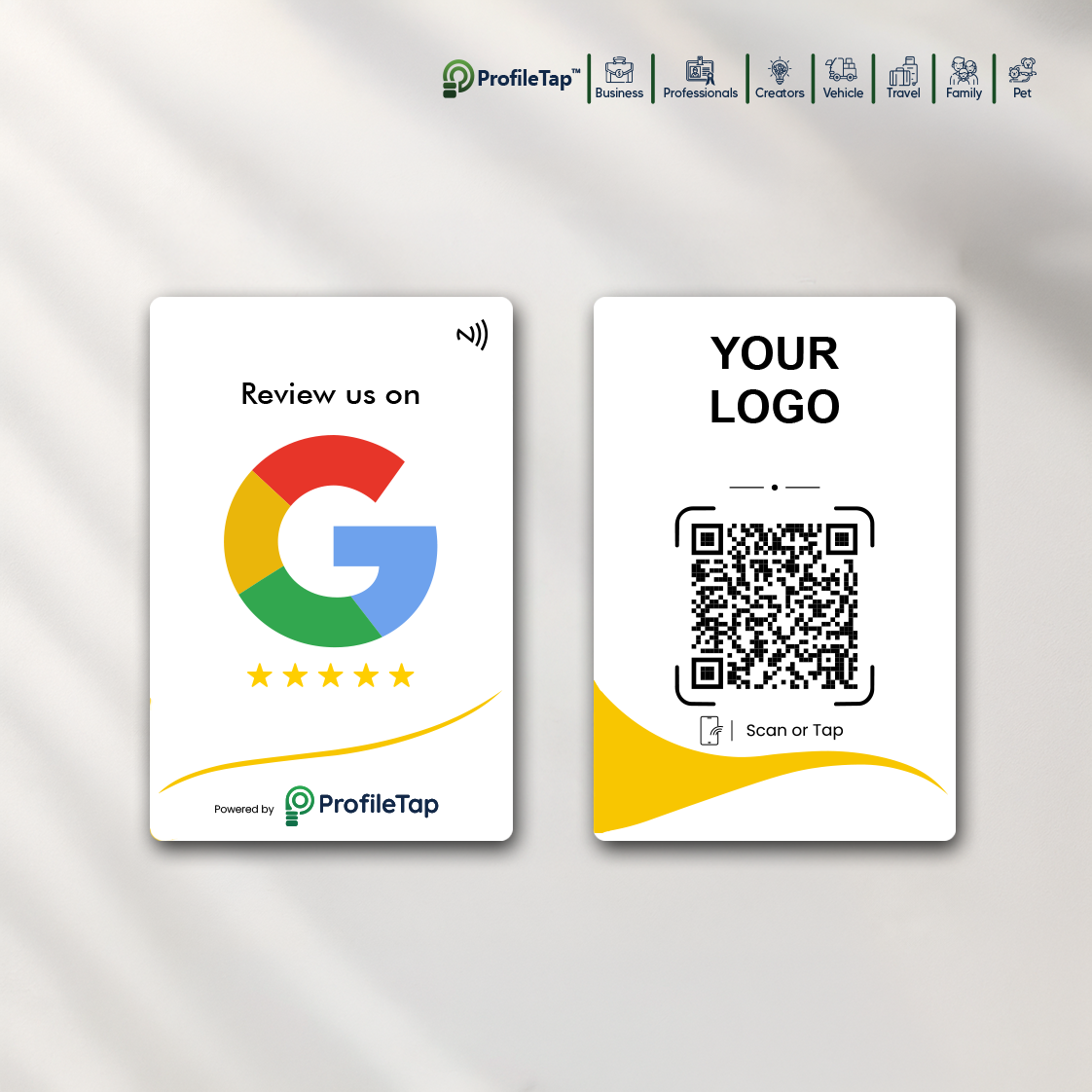
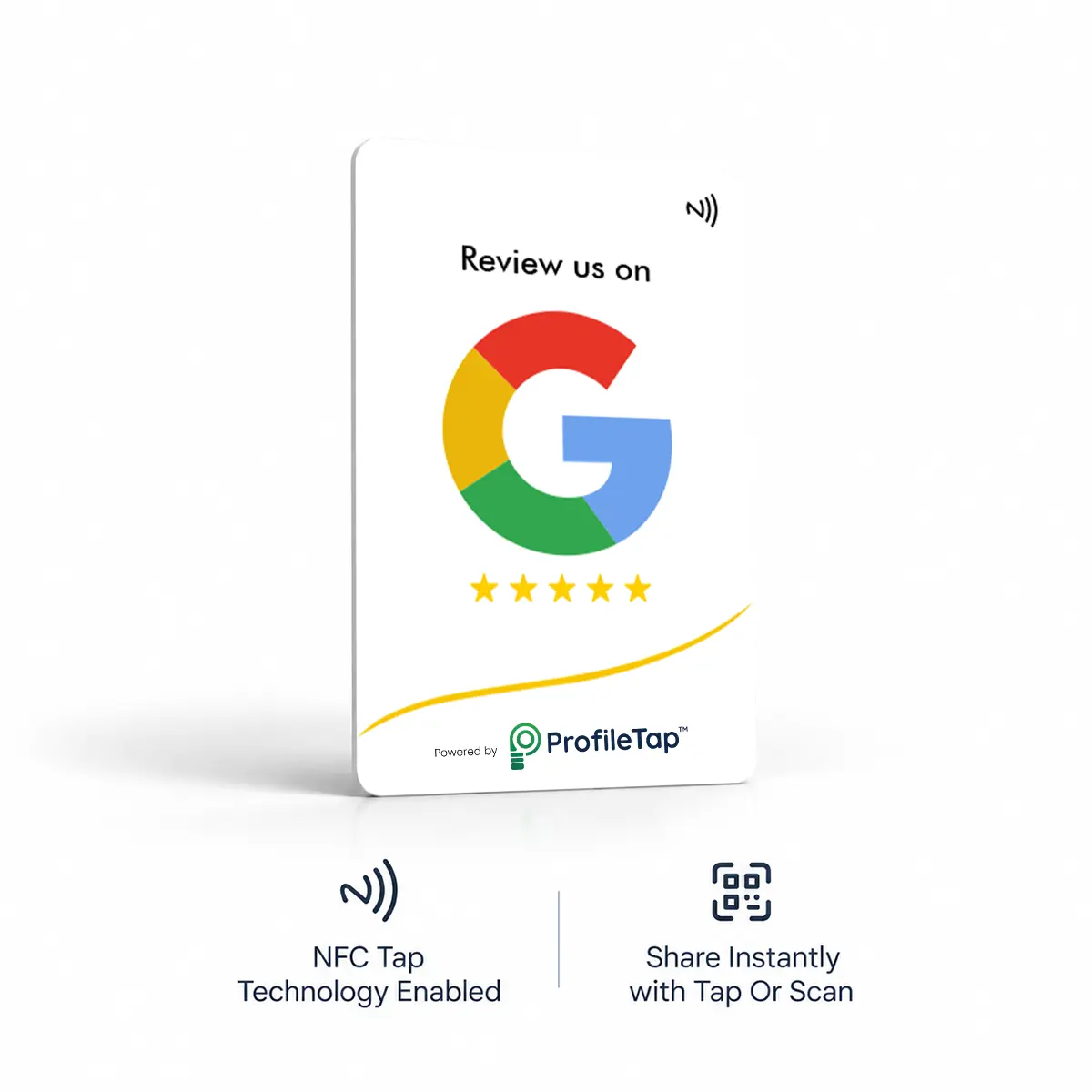

Your happiest customers walk out without leaving a review, usually because finding your shop on Google takes too many steps. A Google review card for retail shop counters cuts that down to one tap at billing.
What changes when the ask becomes a tap.
The promise to review fades before they reach the next shop.
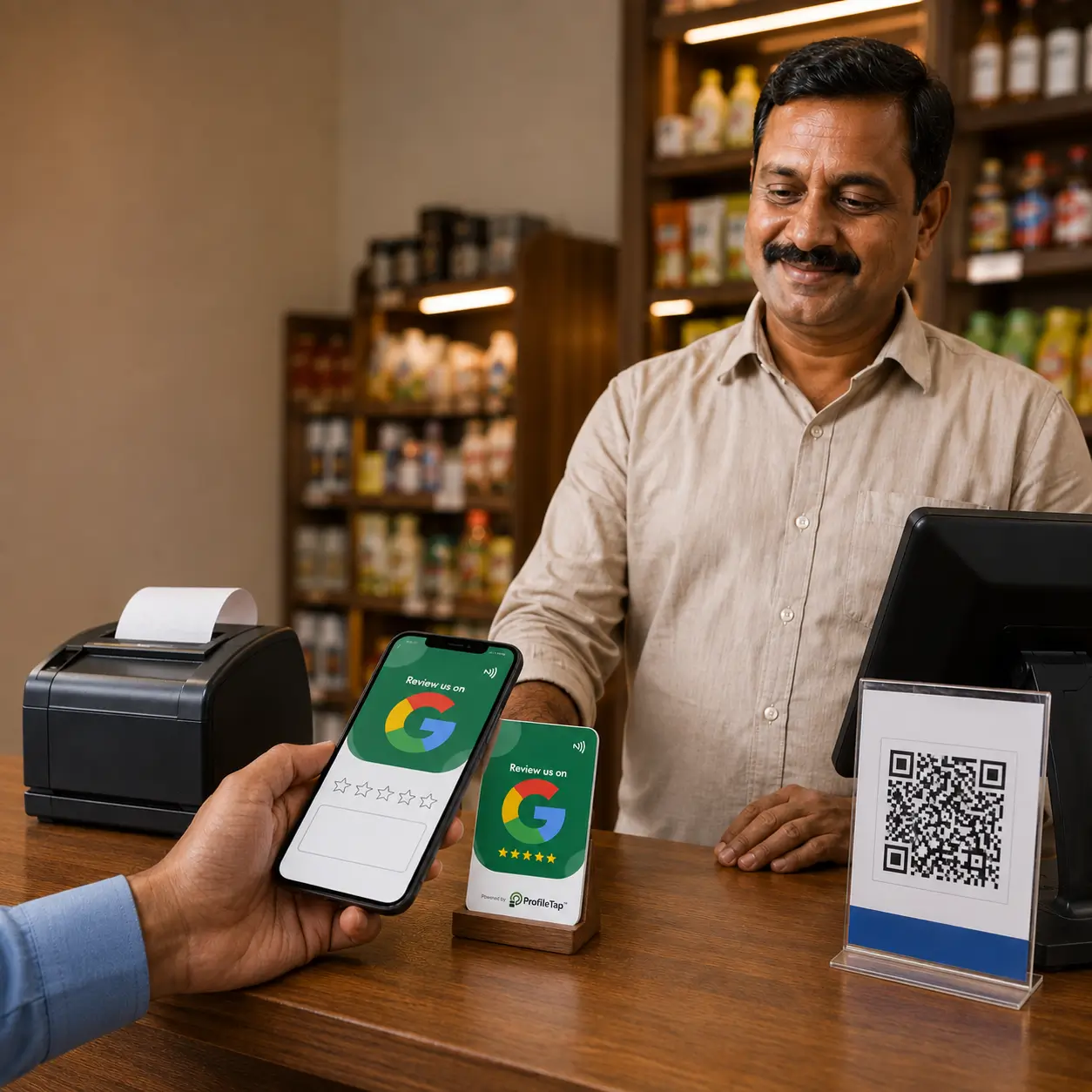
The card sits at billing; one touch opens the form.
Similar shop names bury yours in search.
Nothing to search or type; the review form opens straight away.
A link on the bill is a link ignored.
The rating lands before the goodwill fades.
The verbal ask feels awkward on both sides.
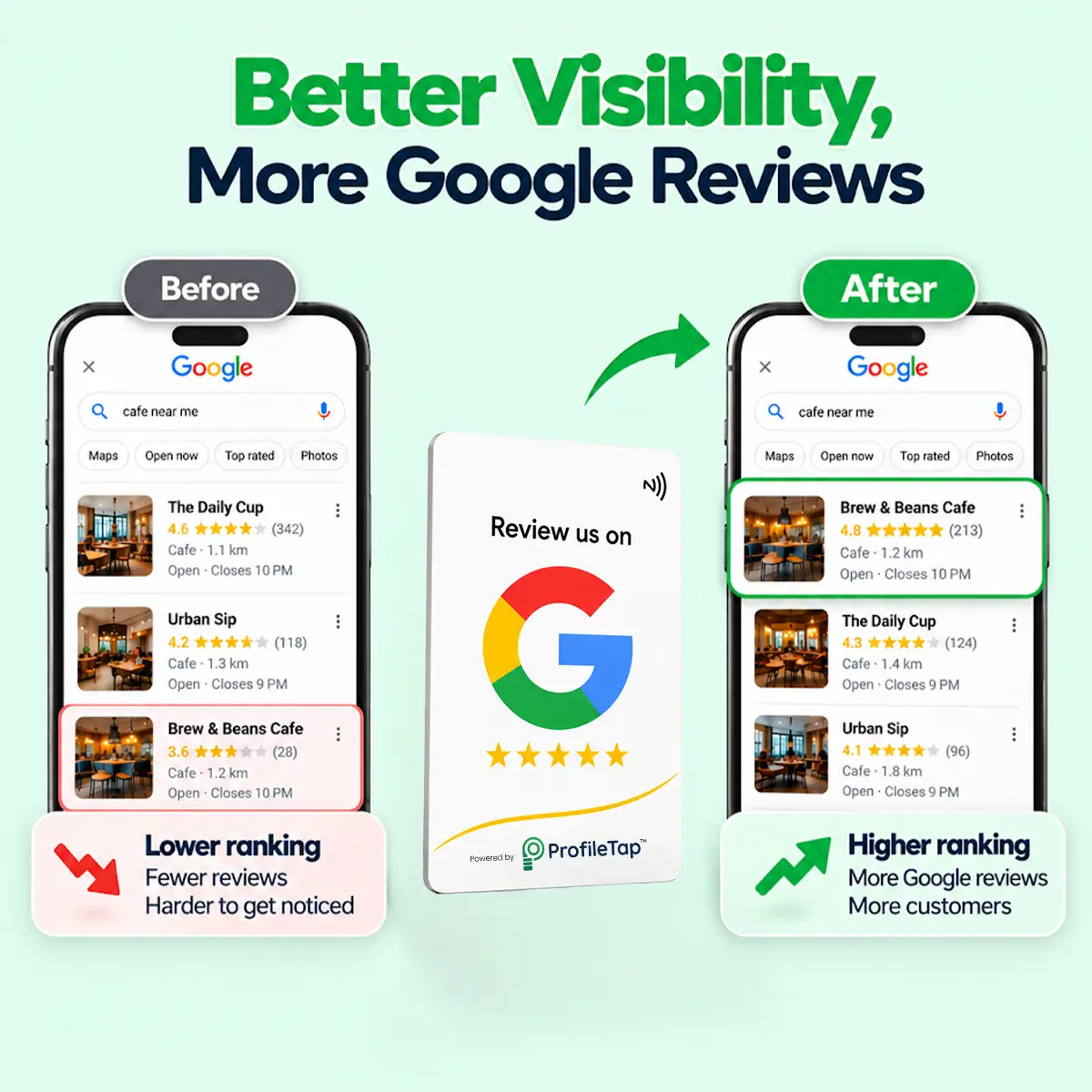
A steady flow of reviews helps when locals compare shops nearby.
Built for the billing desk
A slim card lives at the counter or in the staff's pocket, handed over with the bill and returned in seconds.
Newer phones tap the NFC chip and the rest scan the printed QR, so a review card for retail store counters works for every customer in the queue.
Encoded for your Google listing before dispatch; no setup screens, no monthly fee.
Four kinds of shop where a counter card gets used every day.
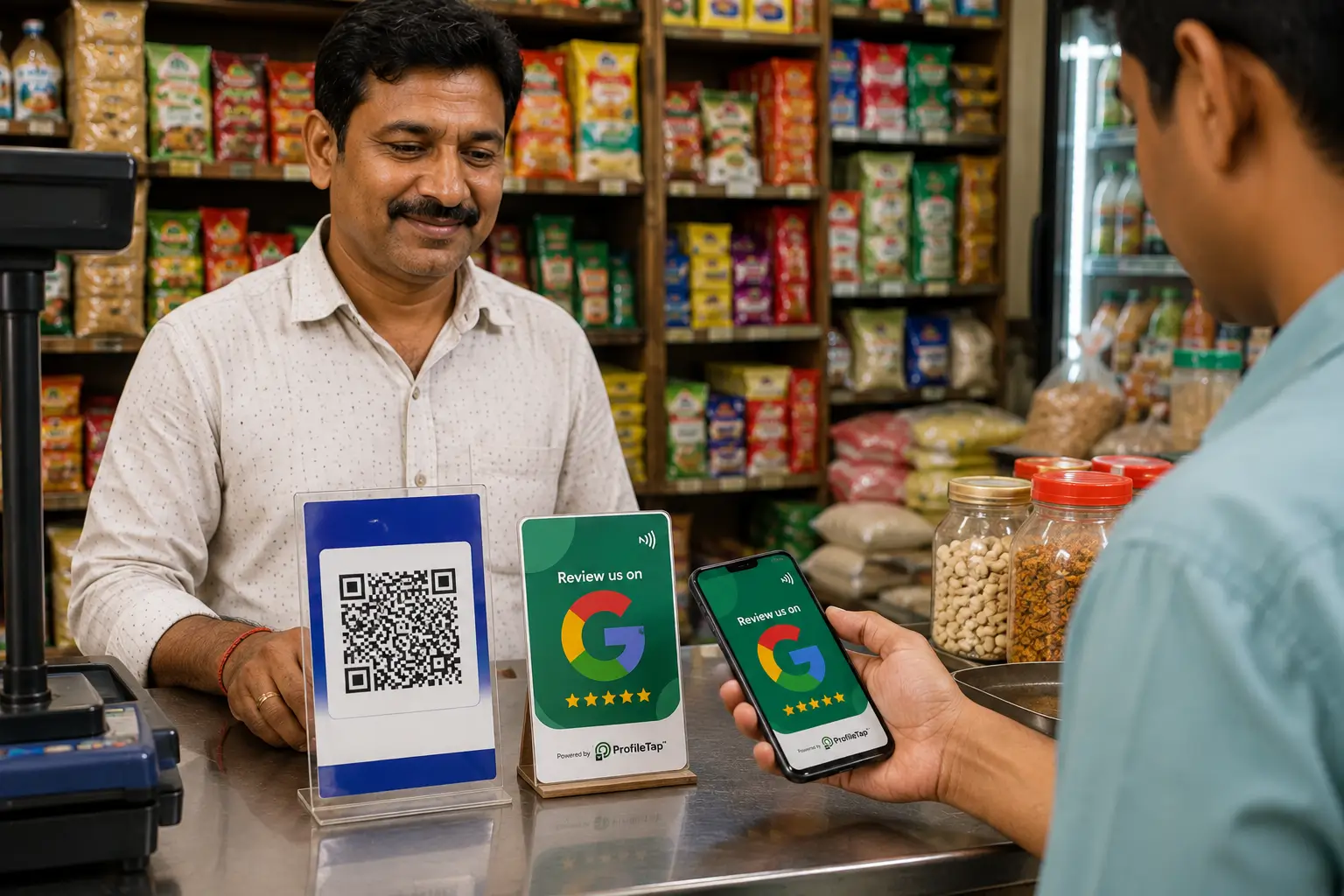
Kirana & supermarkets
Regulars come in every day, so a card next to the billing counter turns a routine visit into a rating.
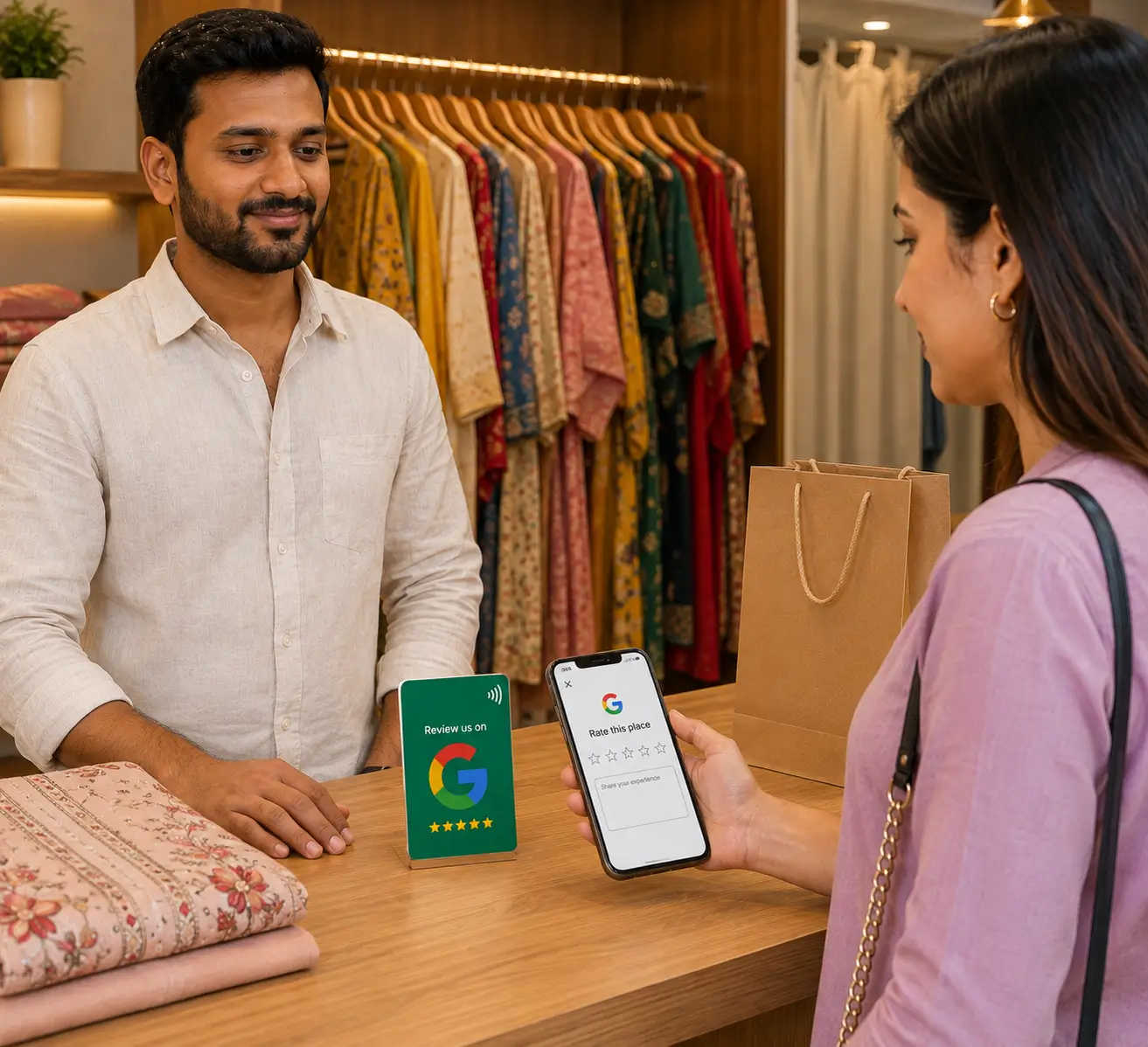
Boutiques & apparel
The trial-room compliment becomes a public review before they leave.
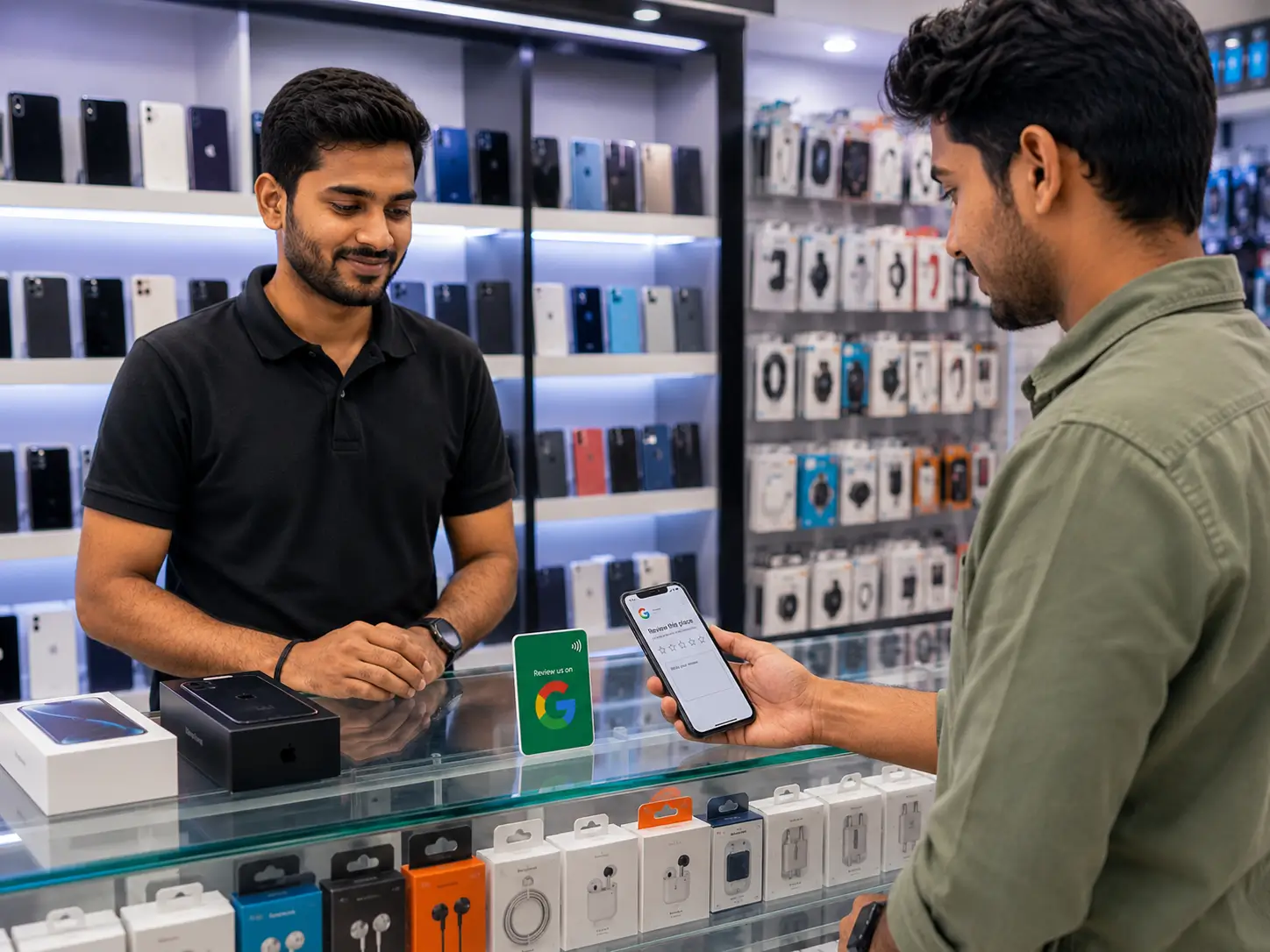
Electronics & mobile shops
Buyers read reviews before they walk in, and your counter is where that proof gets built.
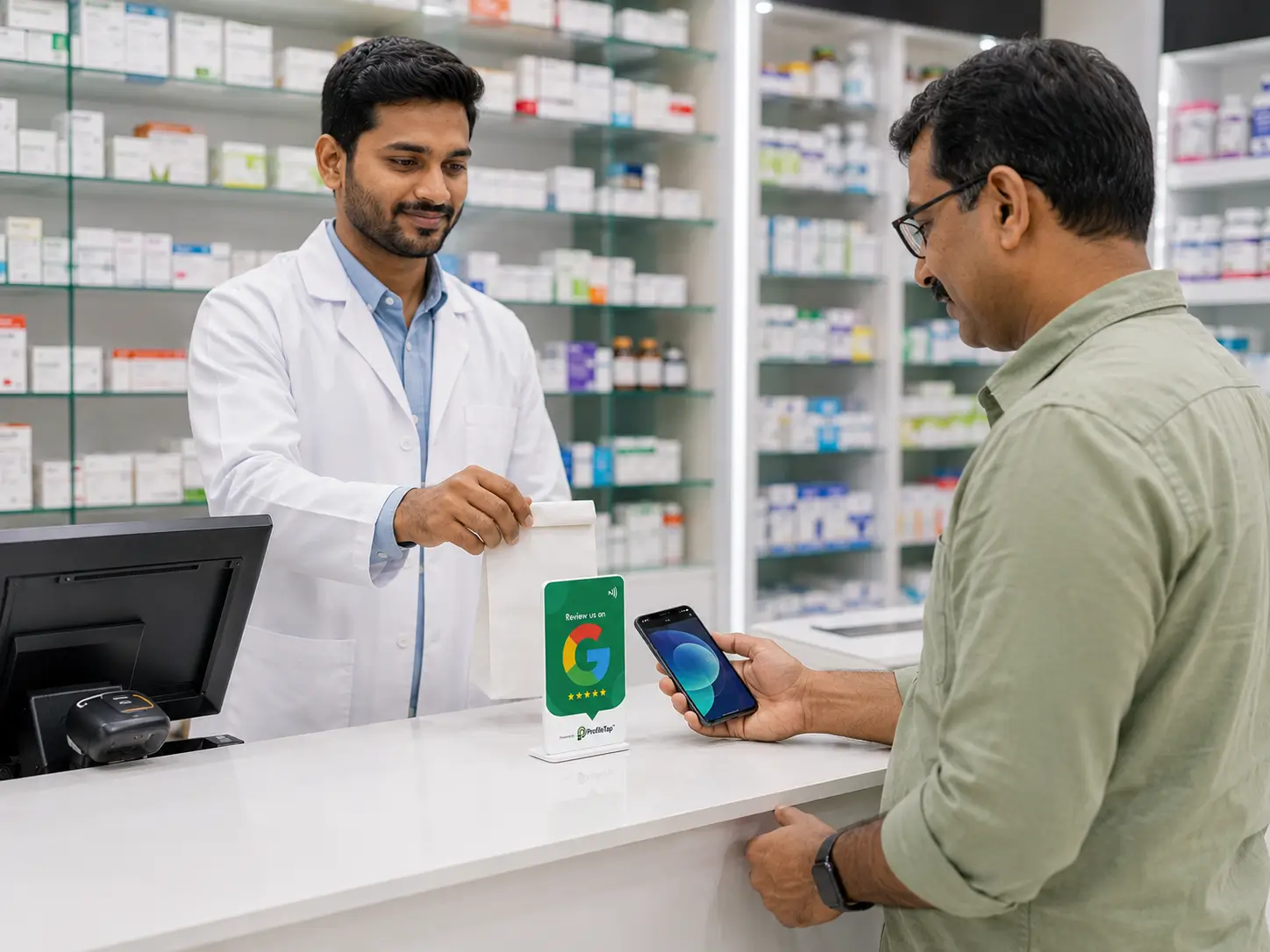
Pharmacies & chemists
Trust decides which chemist a family returns to; reviews build it in public.
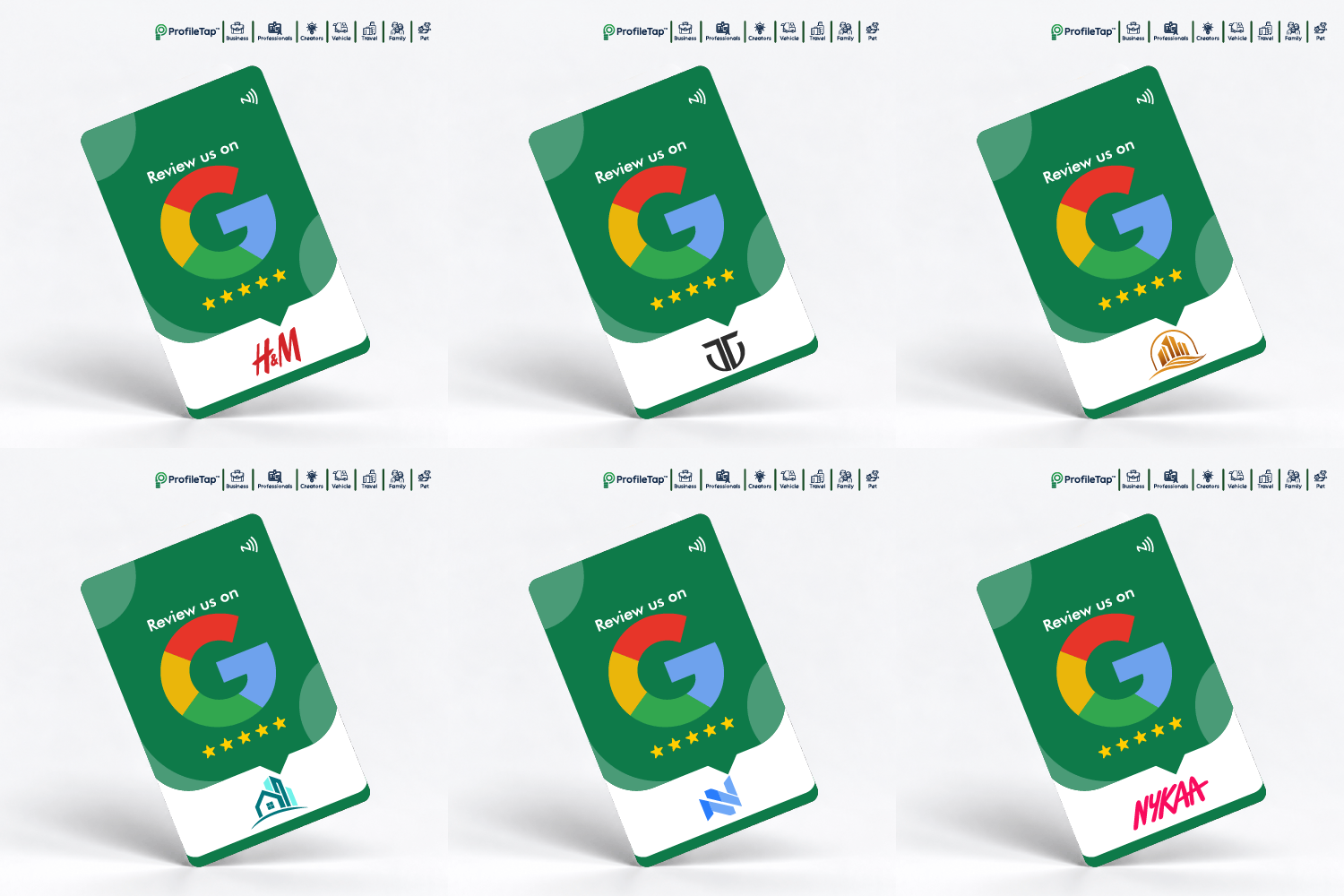
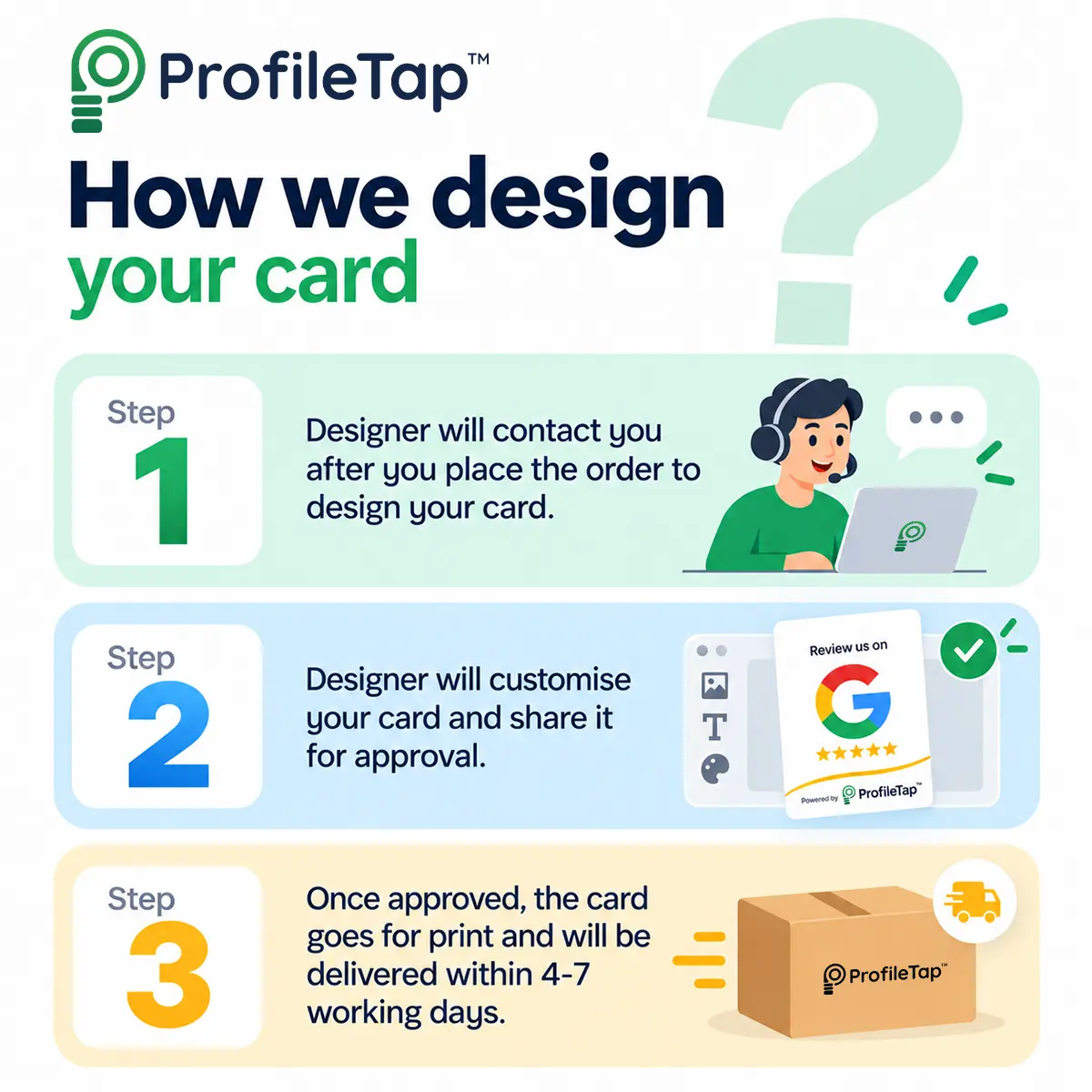
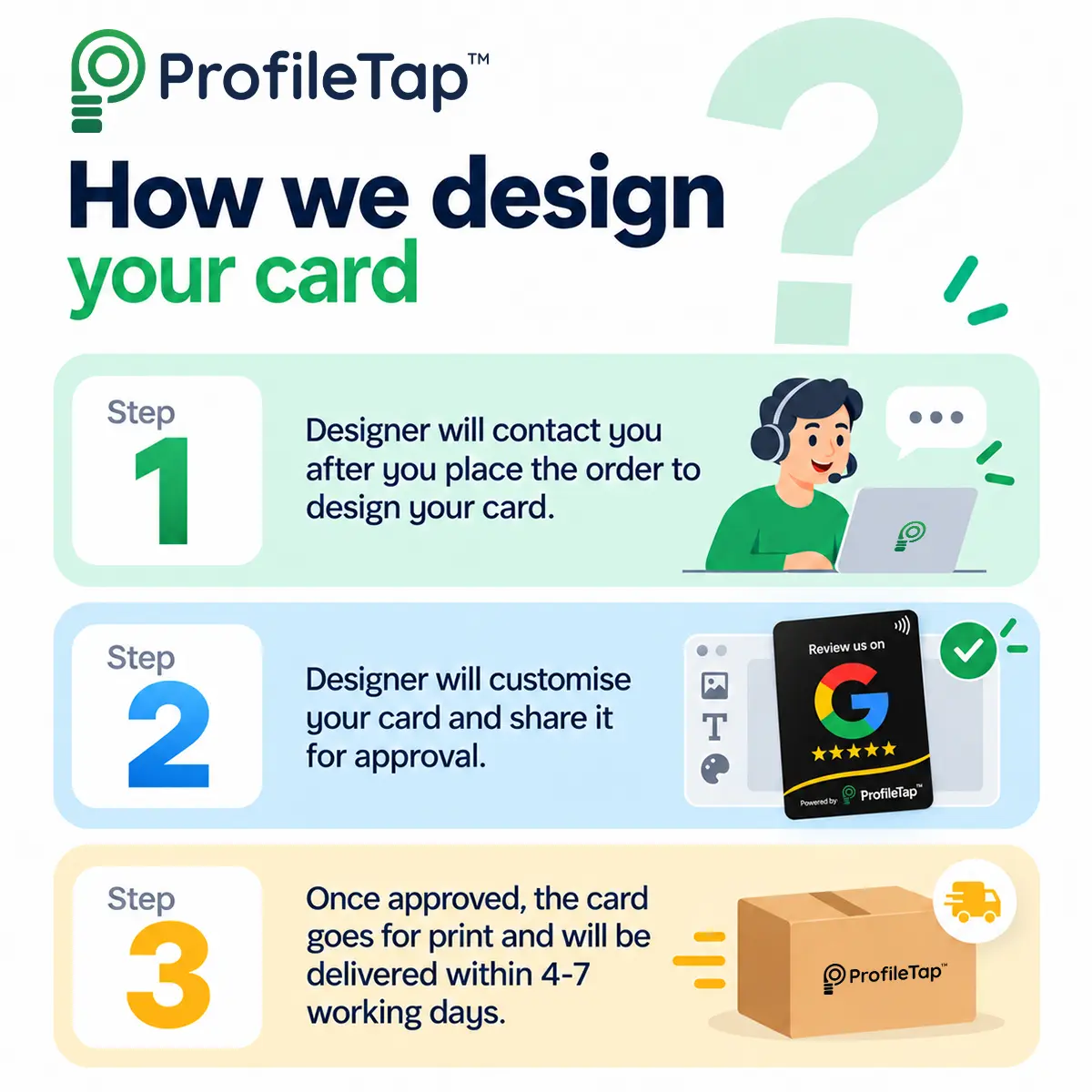
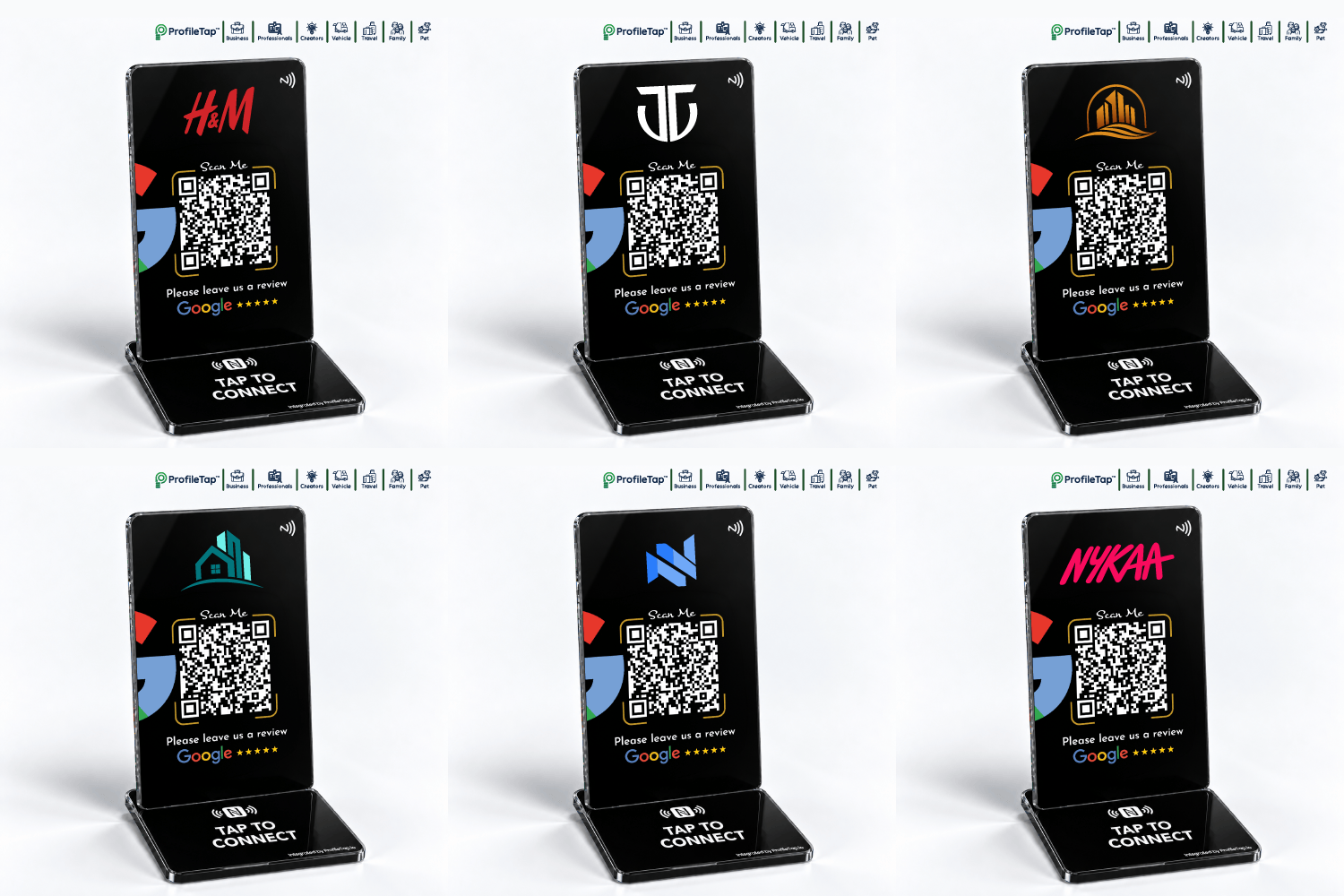
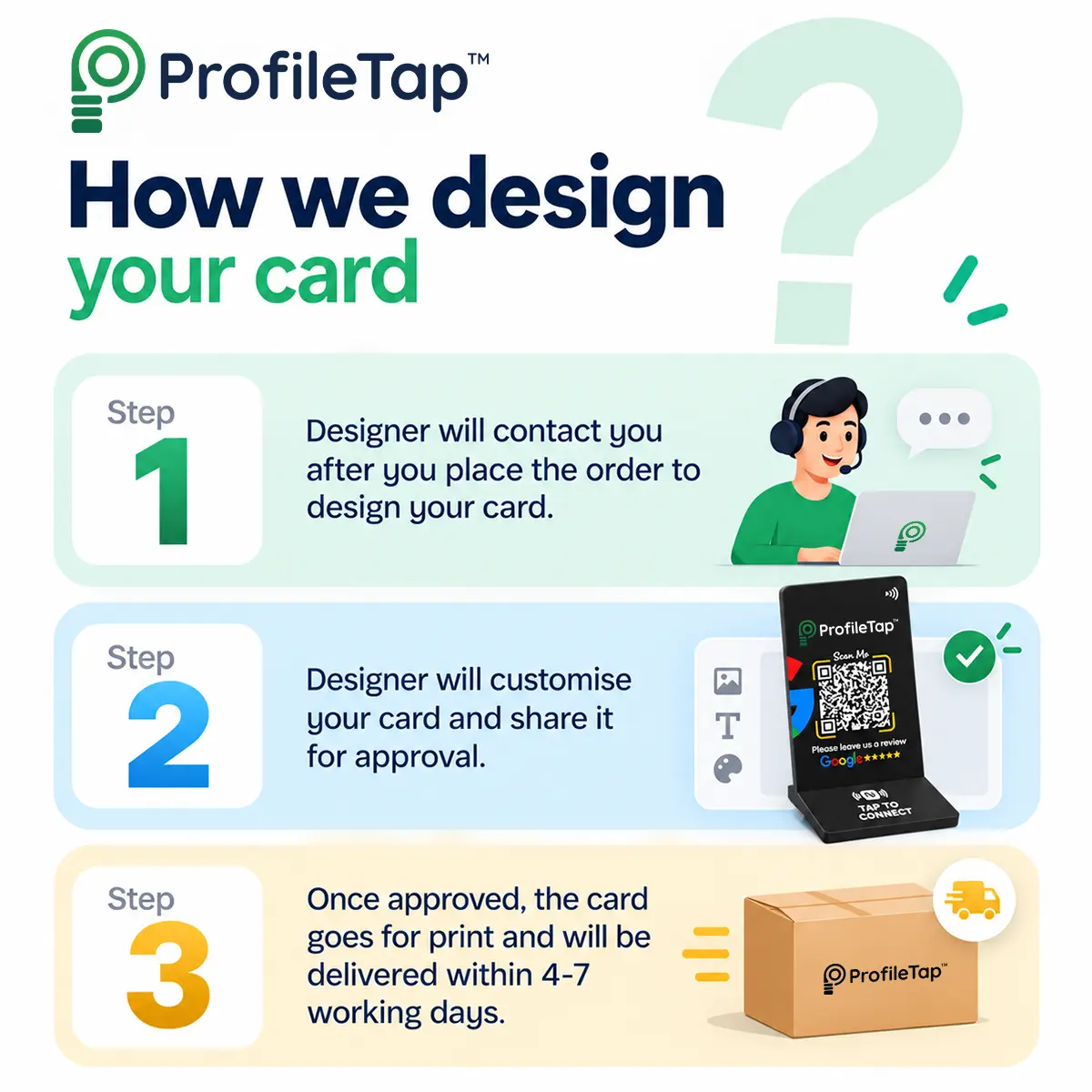
This custom Google review card is designed by our team and printed on both sides with your logo and brand colours. Customers reach your Google review page with a tap or a QR scan, and nobody needs an app.
You save ₹300
Cards for the counter, standees for the desk, table taps for the floor.
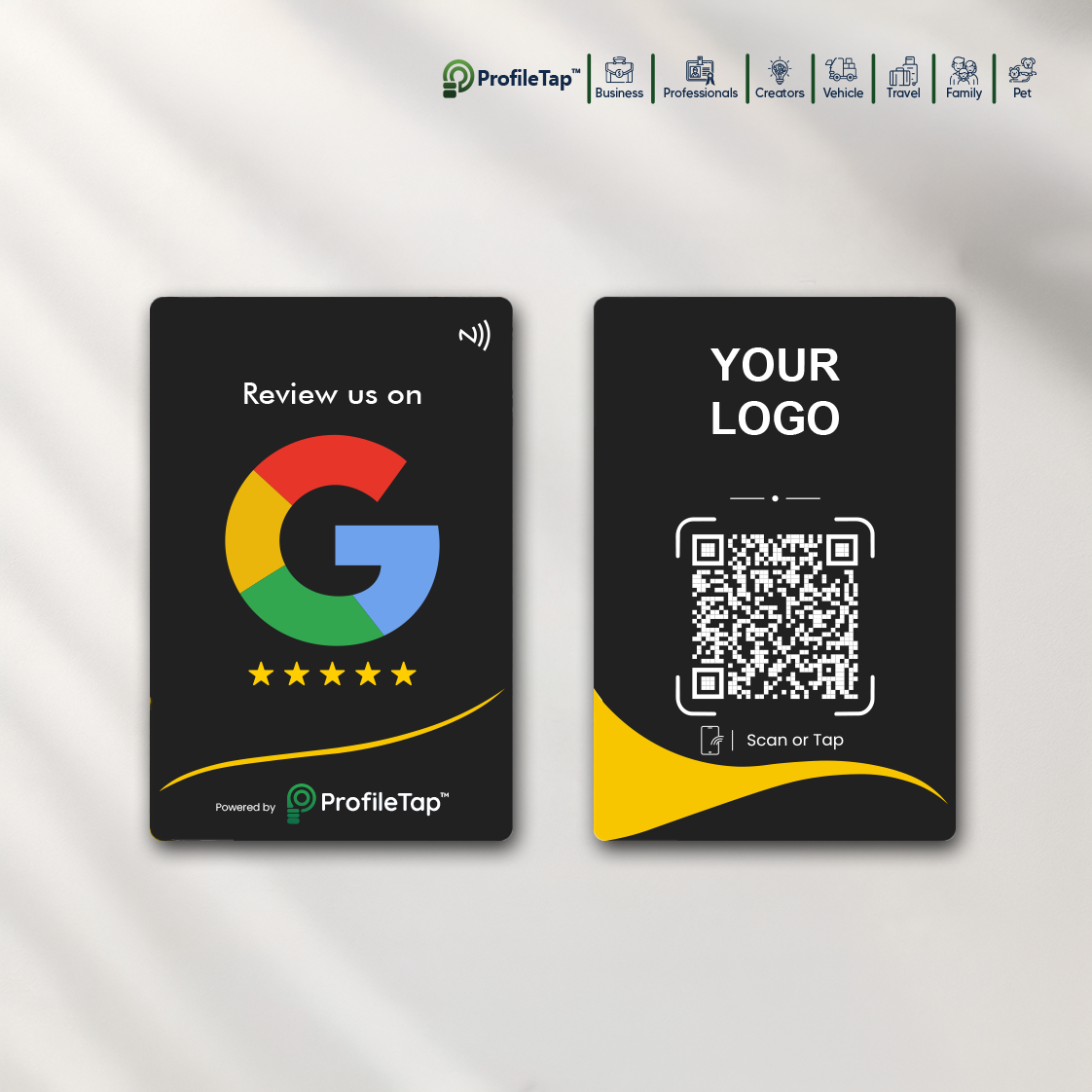
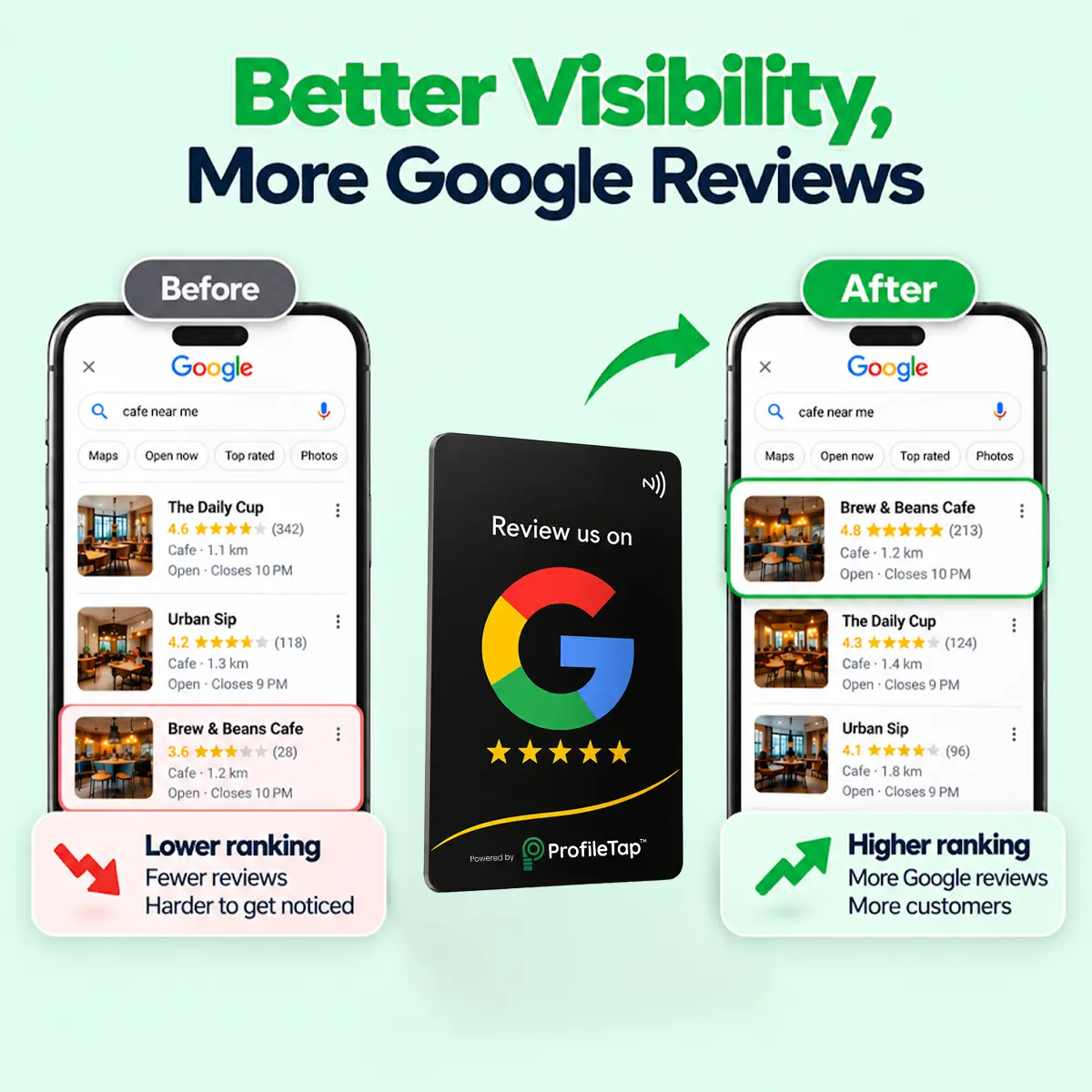
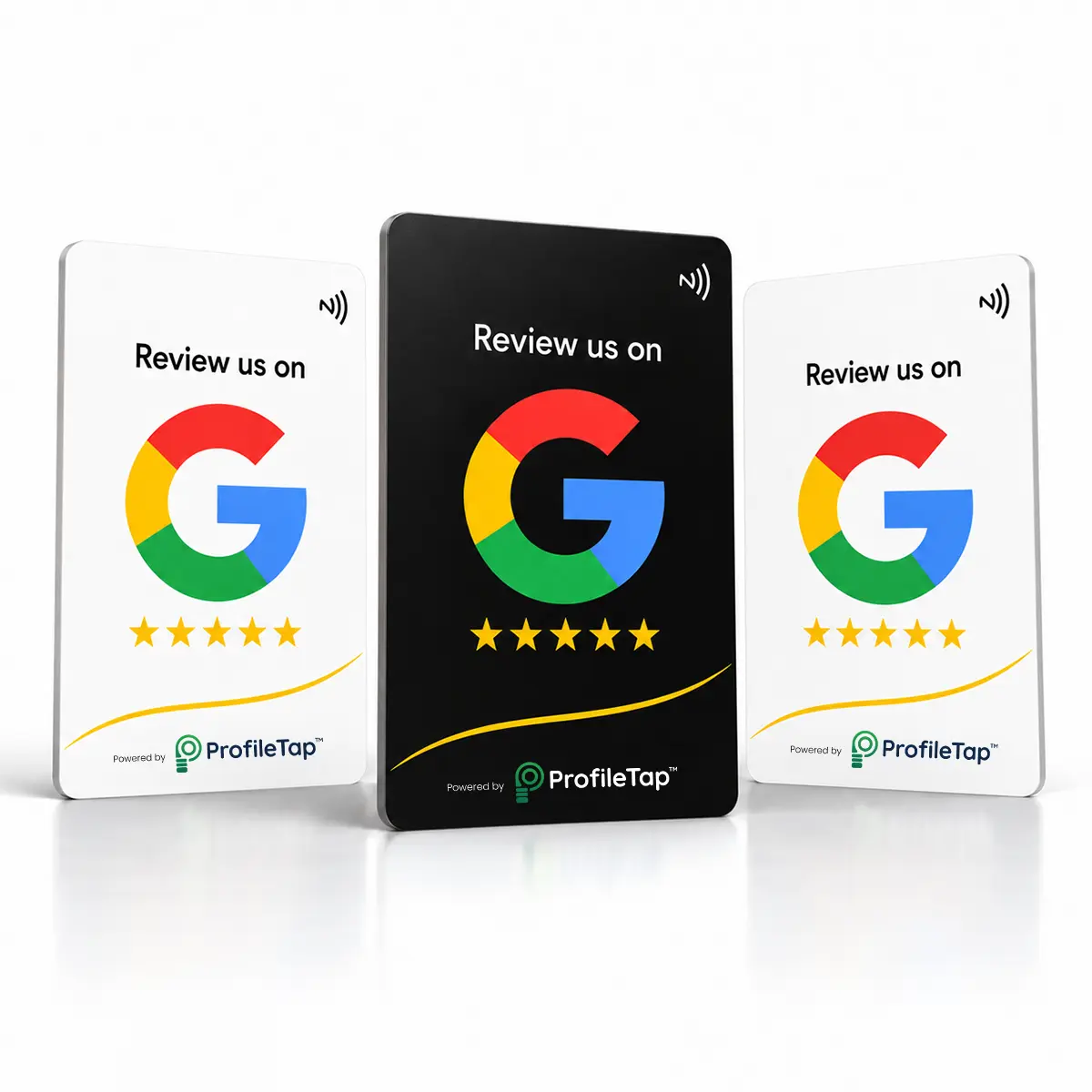
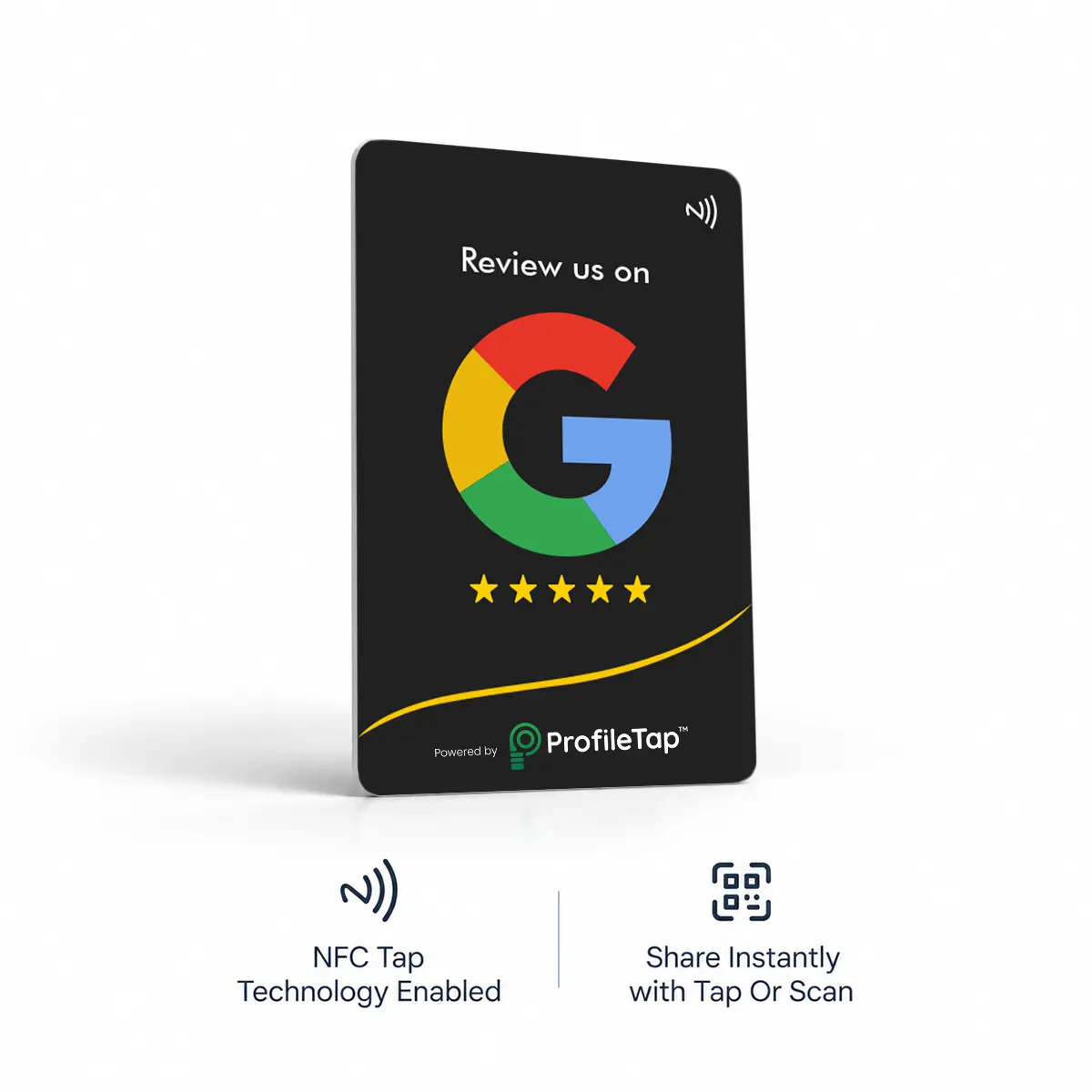
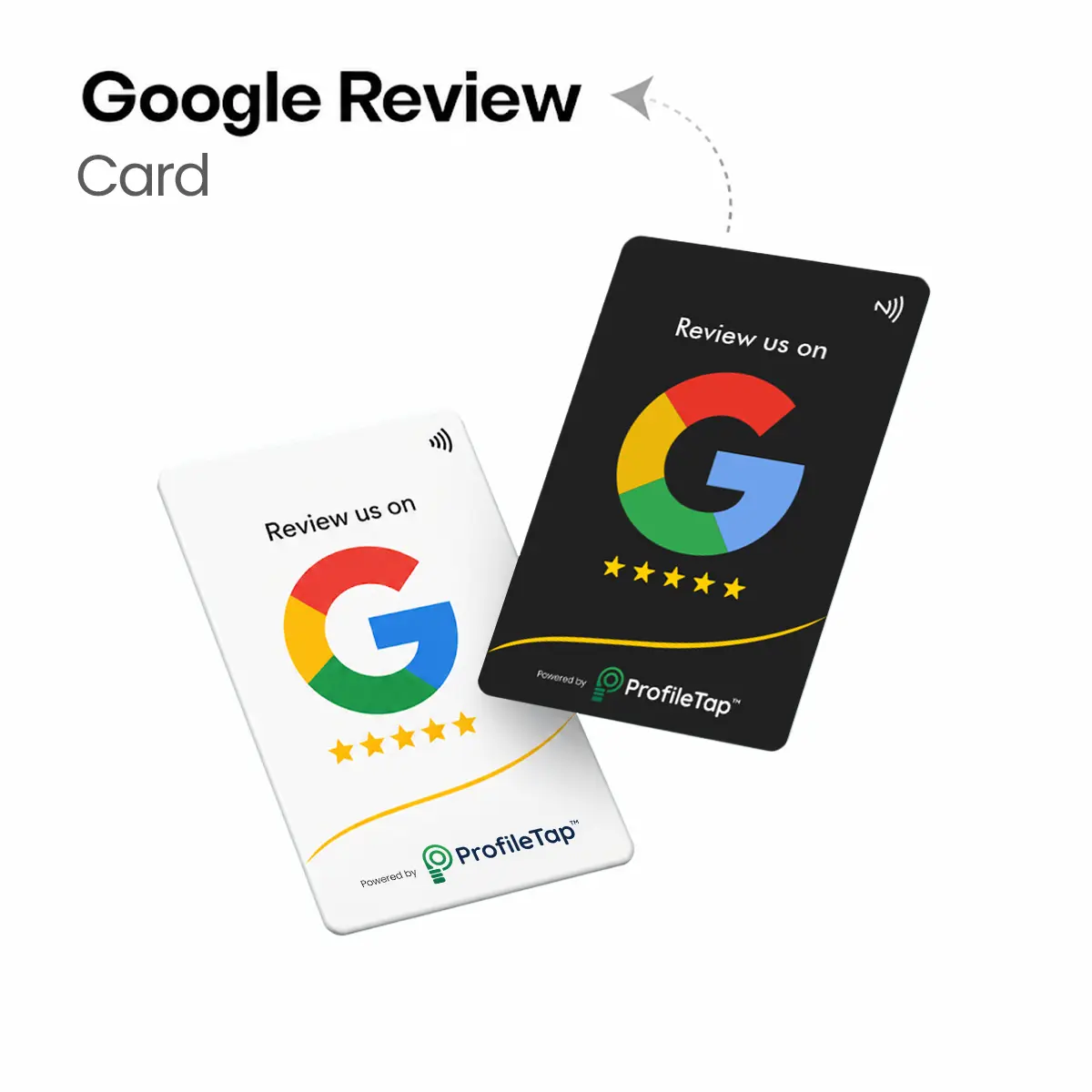
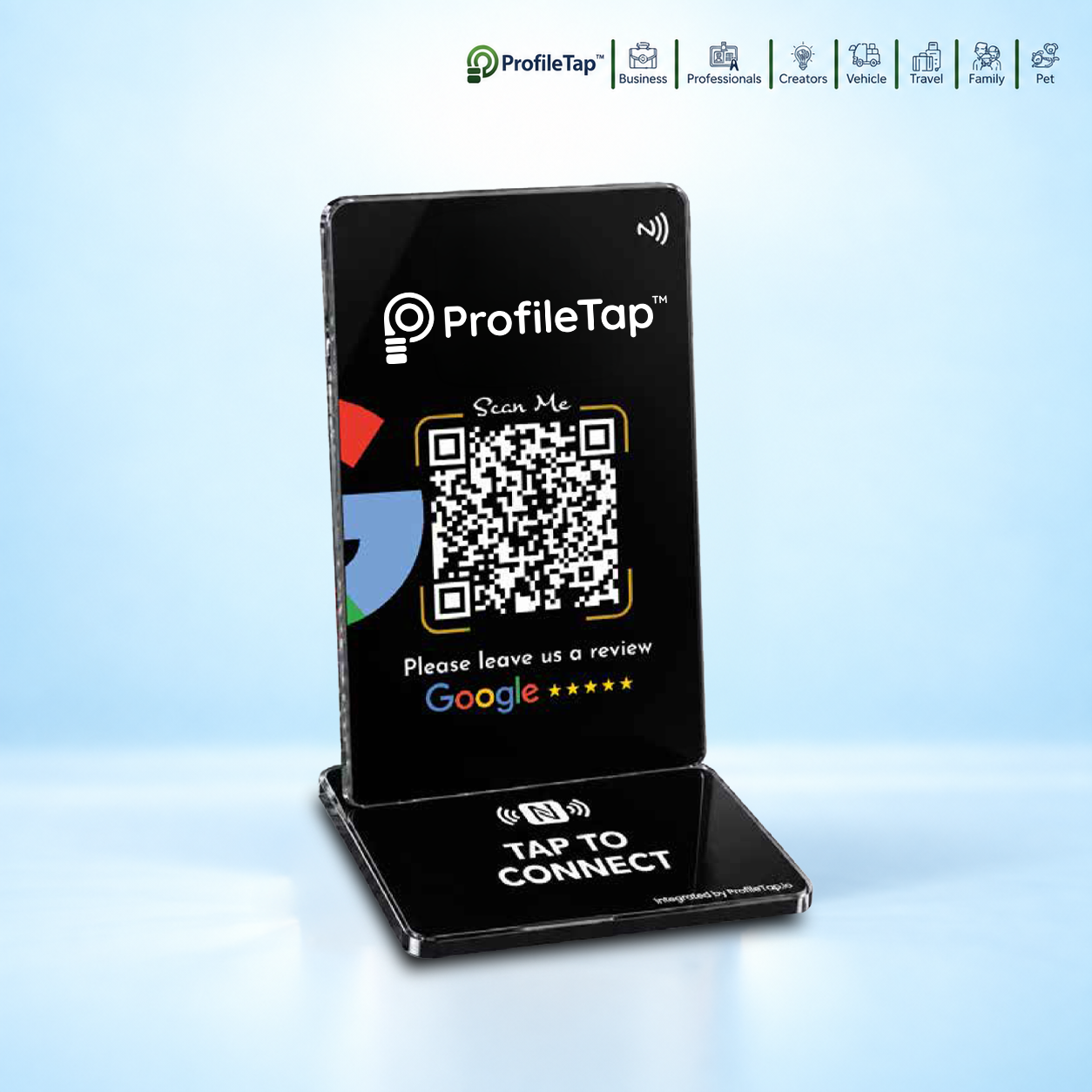
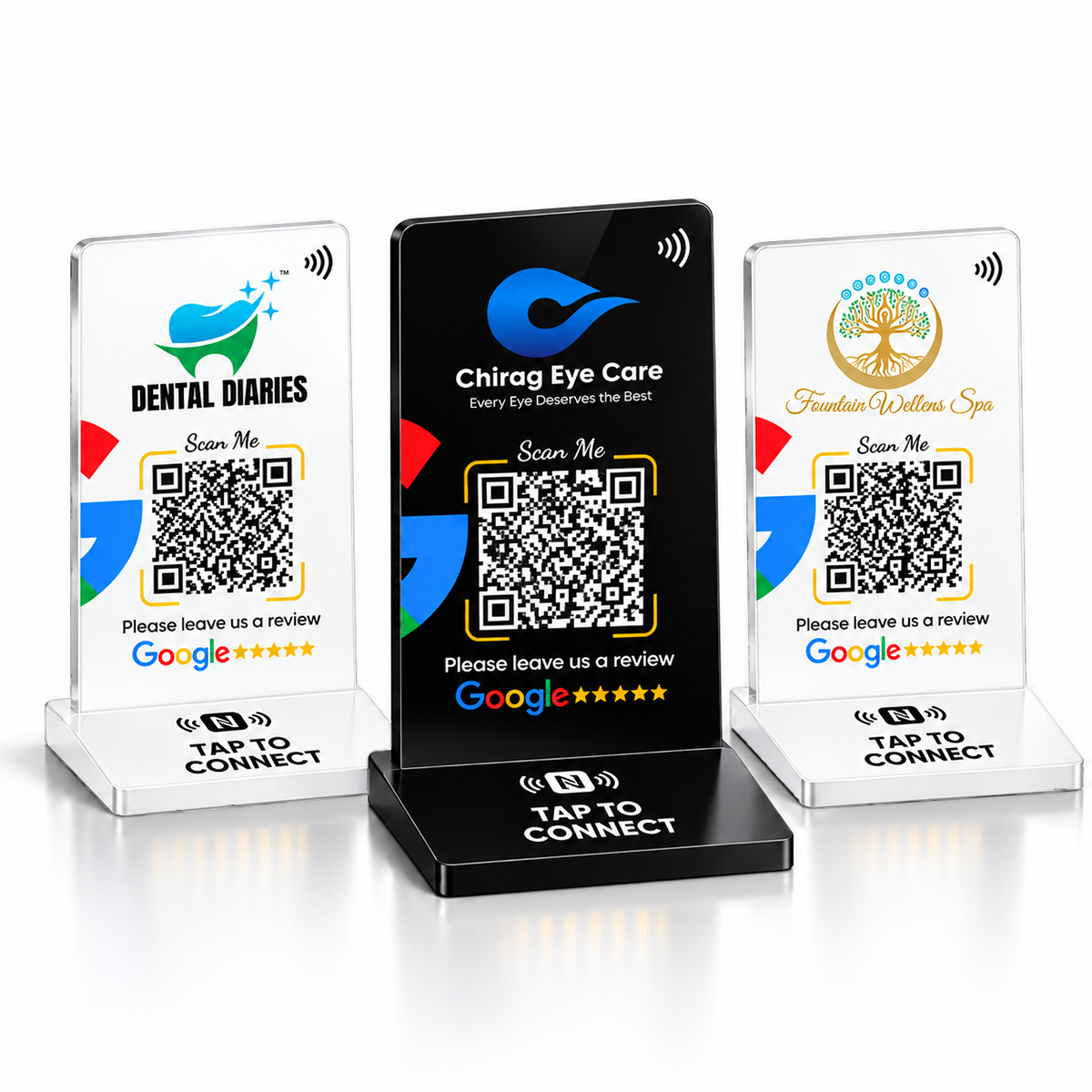
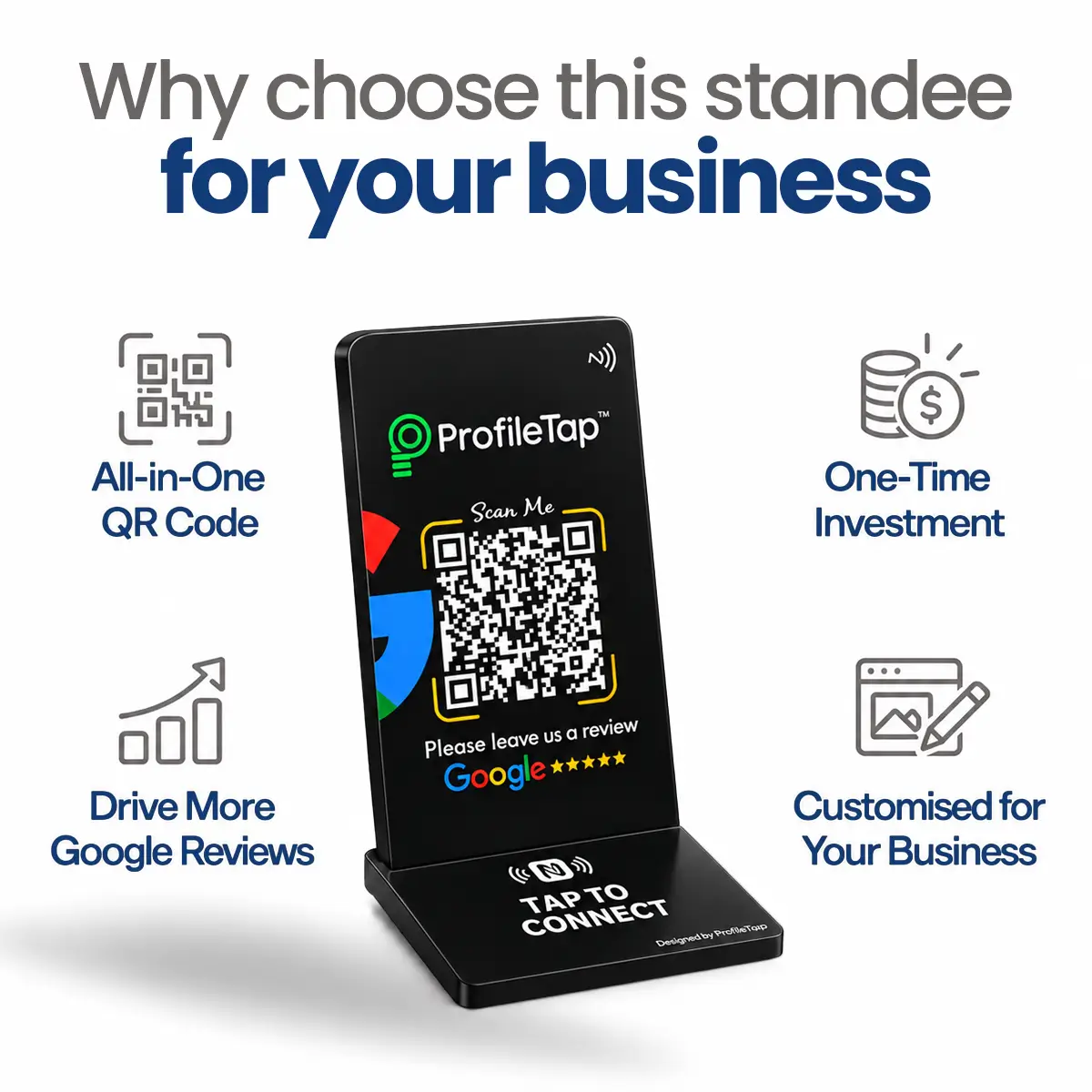
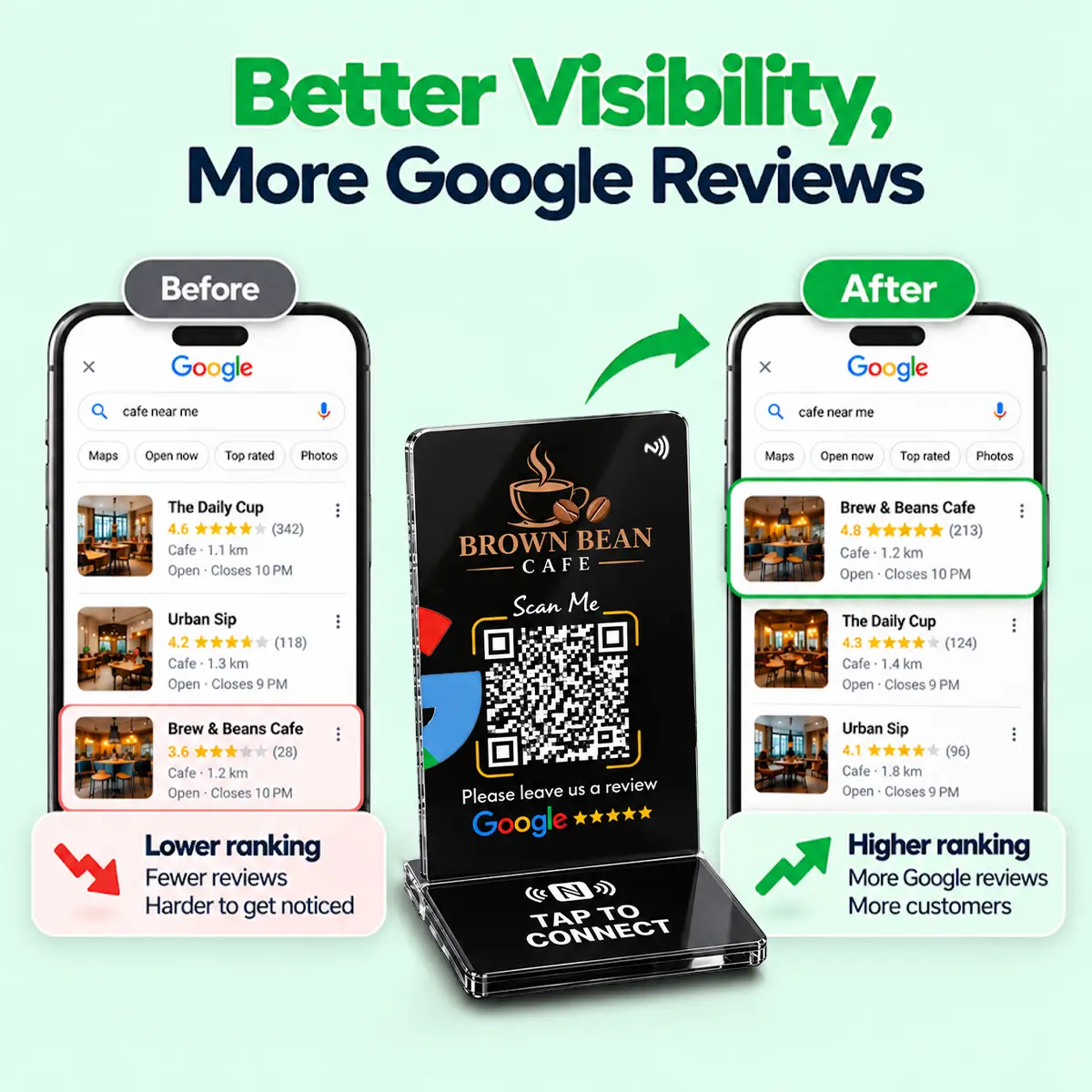
Ask at billing, while the customer is still pleased, and make leaving a review a single tap. A Google review card next to the UPI QR does both: staff say one line, the customer taps, and your review form opens without a search.
Keep it at billing. When a customer is happy, they tap it with their phone (or scan the QR) and your Google review form opens directly, so they can rate, write and post in under a minute without an app or a search.
Almost no time at your end. We encode the card for your Google listing before it ships, so when it arrives you place it at billing and tap it once to check the review form opens. If your listing changes later, you update the link from your ProfileTap account.
No. The card is passive: no battery, no charging and nothing to configure at the shop. The chip and QR hold your review link, which you can change later from your account, and there is no recurring fee.
Yes. The card itself needs no power or connection, but the customer's phone needs mobile data or Wi-Fi to open the Google review form and post the review, the same connection they use to pay by UPI at your counter.
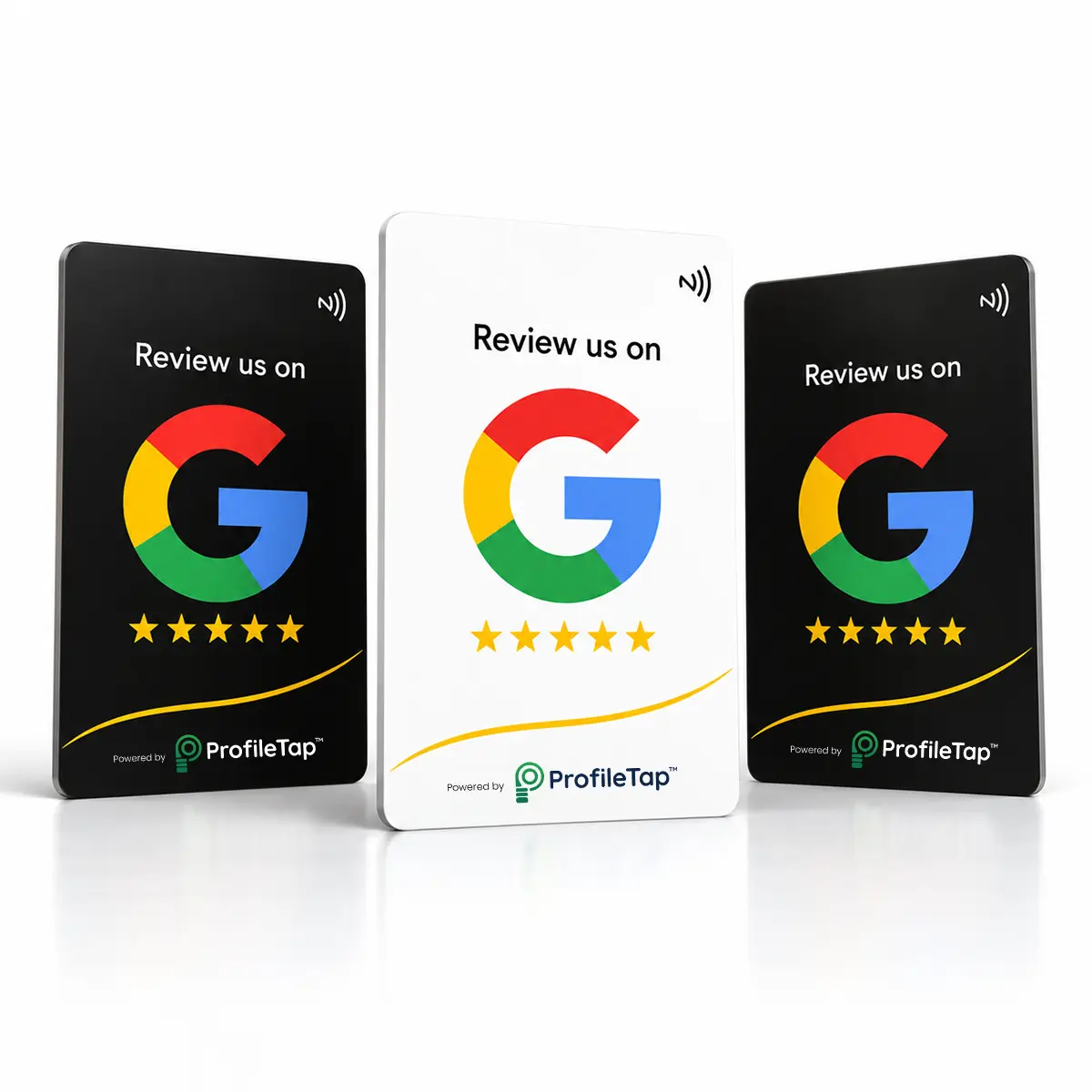
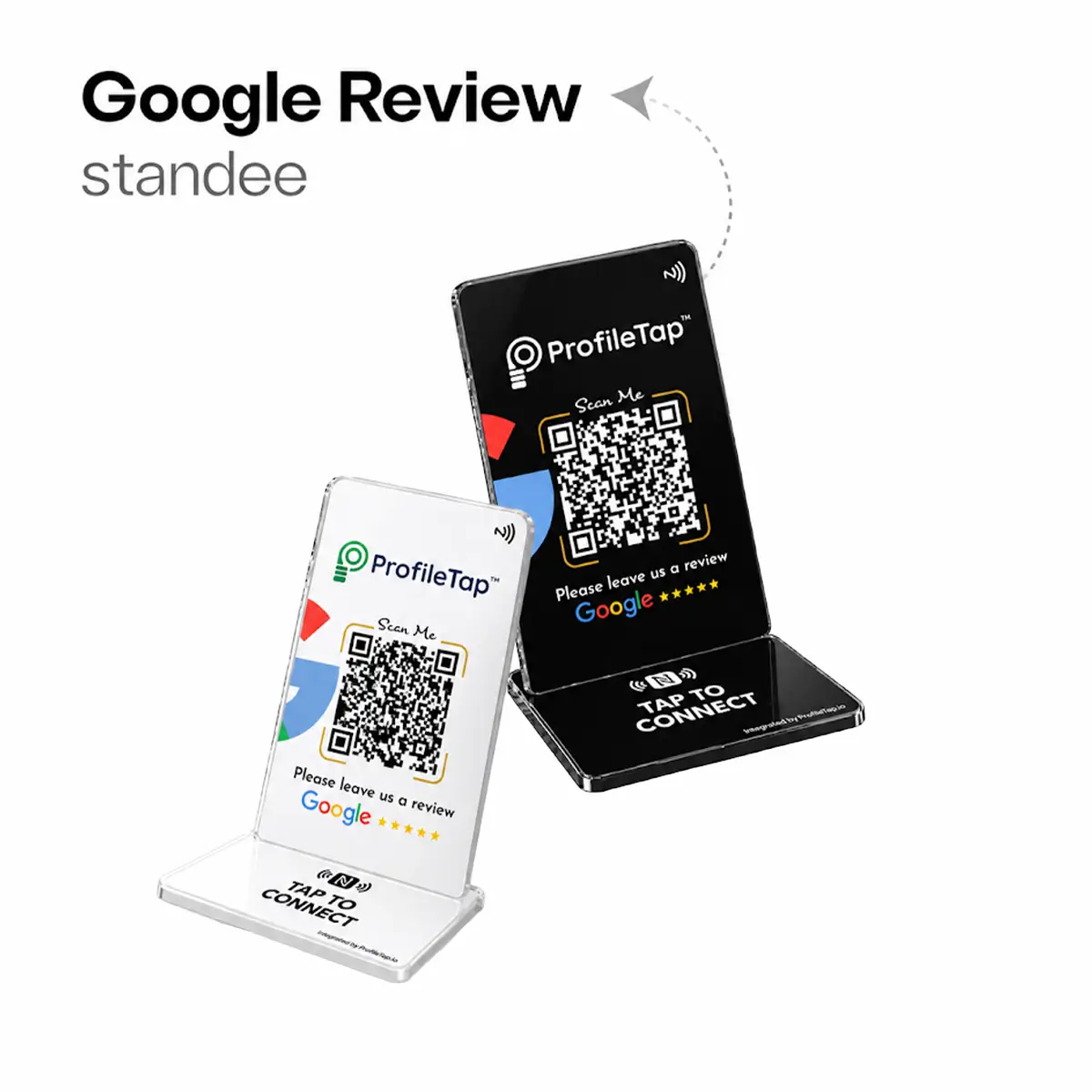
Both are the same card in different finishes. White stands out on dark counters; black suits premium interiors. Pick whichever contrasts with your billing desk so customers spot it. Both cards, plus standees and stickers, are in the full Google review cards range.
No. Each card points to one Google listing, so a shop with two branches needs one card per branch, and reviews then land on the right location's page, which is what local customers check. For several branches in one order, see bulk Google review cards.
One line covers it: "Aap yahan tap karke review de sakte hain." Point at the card as you hand over the bill. Most shops brief the billing person in a minute, and the card does the rest.
No. Asking customers for honest reviews is normal practice. The card is a review collection tool: it makes the ask easier, and customers write whatever they think.
Order the card, place it at billing, and let every happy checkout grow your listing.
One-time purchase · encoded for your listing · NFC + QR · GST invoice · delivered pan-India